 Shoopy
Billing software with an online store for retail shops in India (2026)
Billing software for retail shop owners in India with an online store built in: compare plan price, online payments, own domain and one item list.
Quick Answer: Choose billing software in India with a built-in online store by one test: the counter and the store must share one stock count. Bill one item at the counter, and the online count should drop by one. Shoopy passes it, its pricing page says, and every plan includes your own domain.
Billing software for retail shop owners used to stop at the counter. Several India-made billing apps now add an online store built from the same item list you bill with. What you get differs: a store link where orders arrive as a message, or a store that takes online payment on your own web address.
Six billing apps with an online store, feature by feature
They differ on which plan carries the store, whether it takes online payment, and whether it runs on your own domain.
| Software | Online store included | Plan and price as its page prints it | POS at the counter | GST invoices | Own domain |
|---|---|---|---|---|---|
| Vyapar | Yes, free inside the app | Silver ₹4,399 offer price (MRP ₹7,499) for 1 year on desktop and mobile, as of October 2026 | POS billing in the desktop app | Yes | Not stated; the store is shared as a link |
| FlexBill | Yes, a free store link; its pricing page does not say which plan carries it | Standard ₹2,999 a year, as of October 2026 | Yes, on all three plans | Yes | Not stated |
| myBillBook | Yes, on the Plus plan | Plus ₹3,490 a year, billed annually, as of October 2026 | POS billing listed on Pro Max | Yes | Yes, linked in store settings |
| Neosell | Yes, from the Professional plan | Professional ₹1,999 a month, as of October 2026 | Yes, from Starter | Yes, with HSN codes | On the Enterprise plan |
| QuickSell | A catalogue and a website | No price printed on its site | Not stated | Not stated | Yes, a custom domain |
| Shoopy | Yes, on every plan | Yearly plans; current prices on the pricing page | Counter billing with barcodes, on the same catalogue as the store | Yes, on every plan | Yes, on every plan |
Prices, fees and plan details in this article are as each company’s own page showed them in October 2026.
Who sells billing software in India with a built-in online store?
Of the tools compared here, Vyapar, FlexBill, myBillBook and Neosell add a store to billing software, and Shoopy runs counter billing and the store on one catalogue. QuickSell works the other way round: it starts from a product catalogue you share on WhatsApp, then adds a website.
FlexBill’s homepage describes its free online store as a shareable storefront link with real-time stock reservation and online payments. Its features page lists that storefront link at no extra cost. Its pricing page does not say which plan carries the store, and lists GST billing, POS and inventory on all three yearly plans.
Neosell’s homepage, as of October 2026, lists the online store from its Professional plan at ₹1,999 a month, on a slug.neosell.store address. A custom domain is listed on its Enterprise plan at ₹4,999 a month, as of October 2026.
QuickSell’s homepage offers an ecommerce website on your own custom domain, with secured payments and logistics. It prints no plan price and asks you to book a demo. Its homepage does not describe GST billing at a counter.
How do myBillBook and Vyapar put an online store inside billing?
Both apps build the store from the items you already bill, so you add a product once. They differ at checkout.
- Vyapar keeps the store free. Its own guide, updated 29 October 2026, has you share the store link on WhatsApp, Facebook, Instagram or email. The same guide says customers add items to a cart and place the order, and you receive the order as a message.
- myBillBook puts the store on its Plus plan. Its marketing tools page says you can add products straight from the items already in myBillBook and accept payments through UPI and cards. The same page says you can link your own custom domain to the store.
Vyapar’s guide has the order arrive as a message, and its FAQ page says online orders also show in a dashboard in the app. The guide shows no online payment step. myBillBook’s page describes a store on its Plus plan that collects the payment online.
What does billing software for retail shop owners cost?
When you compare billing software for retail shop prices, look at the plan that includes the store, not the entry plan. As of October 2026, myBillBook’s pricing page lists its Plus plan at ₹3,490 a year, billed annually, with the online store included. Its Pro plan is listed at ₹3,990 a year and adds a desktop app, as of October 2026.
Vyapar’s pricing page, as of October 2026, lists offer prices for one year on desktop and mobile: Silver at ₹4,399 (MRP ₹7,499) and Gold at ₹4,799 (MRP ₹9,099). Its store guide says the store itself is free. FlexBill’s pricing page, as of October 2026, lists its Standard plan at ₹2,999 a year.
Shoopy charges a yearly plan price with a fee-free order allowance, and higher plans include more orders. Past the allowance, each order carries a small fee with a cap. The plans and current prices are on the pricing page.
On every plan, you get an online store on your own domain and GST invoices. Barcode billing at the counter runs on the same catalogue as the store.
Which features should the counter and the store share?
Judge any billing tool with a store on five points, not on the word “store” alone.
- One catalogue. The counter and the store read the same product list. If you correct a price in two places, one copy will stay wrong.
- GST invoices on both sides. In India, a tax invoice carries the rate and amount of central tax, State tax or integrated tax under the invoice rules on the CBIC GST portal. Once you are registered, each order gets a tax invoice with your GSTIN and the tax split; a composition seller issues a bill of supply instead. The HSN code is required on invoices to registered businesses (4 digits for turnover up to ₹5 crore, 6 digits above it) and is optional on invoices to consumers at ₹5 crore turnover or less (Notification 78/2020-Central Tax). The rules are the same for online and counter sales.
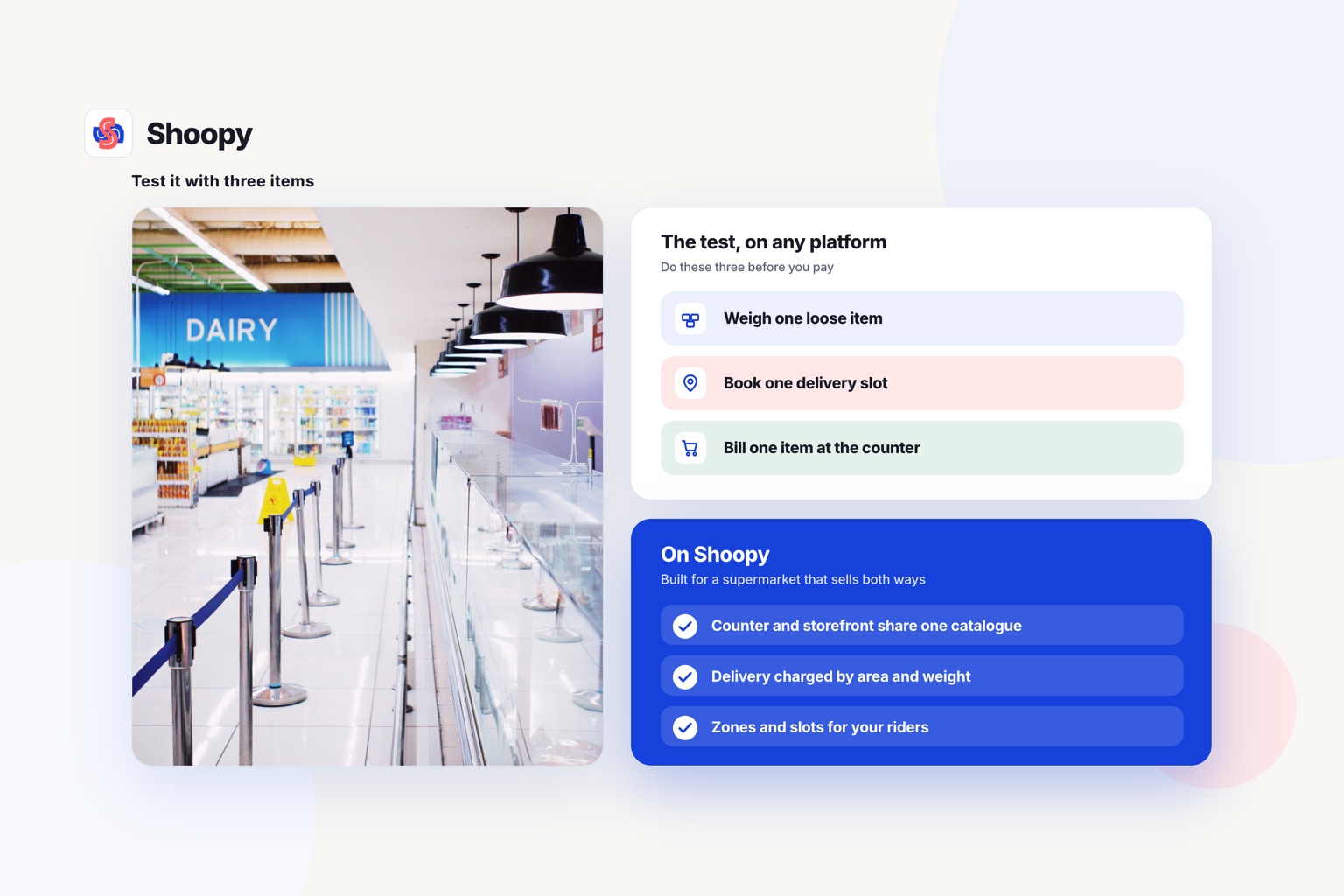
- Stock that drops on both sides. Bill a shirt at the counter and the online stock should drop by one. Otherwise you sell a shirt you no longer have.
- Payment modes your customers use. Check which of UPI, cards and cash on delivery the store accepts at checkout. A store that takes orders by message leaves the payment to you.
- Your own domain. A shared link does not put your shop’s name in the address bar. Check which plan allows a custom domain before you print the address on bags and bills.
The guide to setting up GST on your bills walks through the GSTIN, HSN and tax rate fields a bill needs.
How do you test the stock link before you pay?
Use the trial period to test one thing on a real product: does a counter sale reach the store?
- Add one product with a stock count of two.
- Bill one at the counter.
- Open the store on your phone and check the count.
- Place a test order and see where it lands: the order list, a message or a phone call.
If the store still shows two, every busy day will end with orders you cannot fill. If you plan to use your own domain, the steps for connecting a domain show the domain records side of the same setup.
Three problems after a shop switches on its billing store
Each one shows up in the first weeks, and each has a plain fix.
- Items show without photos. Billing items are often added without photos. Add photos before you share the link; Vyapar’s guide allows up to five images for each product.
- Orders sit unread in messages. A store that sends orders only as messages has no order queue. Make one person own those messages and confirm each order the same day.
- Online orders skip the GST bill. A sale confirmed over chat can miss its invoice. Once you are registered, bill every online order the way you bill a counter sale, with the same tax details.
The post on running online and offline retail together covers the daily routine. The one on GST billing at the counter covers the tax fields in more detail.
When is a billing app’s store enough, and when do you need a full online store?
A billing app’s store is enough when the counter is your main business and online orders are a side channel. A shop that mostly bills and takes a few repeat orders from known customers may need no more than a store link.
You need a full online store when it must work as a brand on its own: your own domain, delivery charged by area and weight, a branded app and marketing tools.
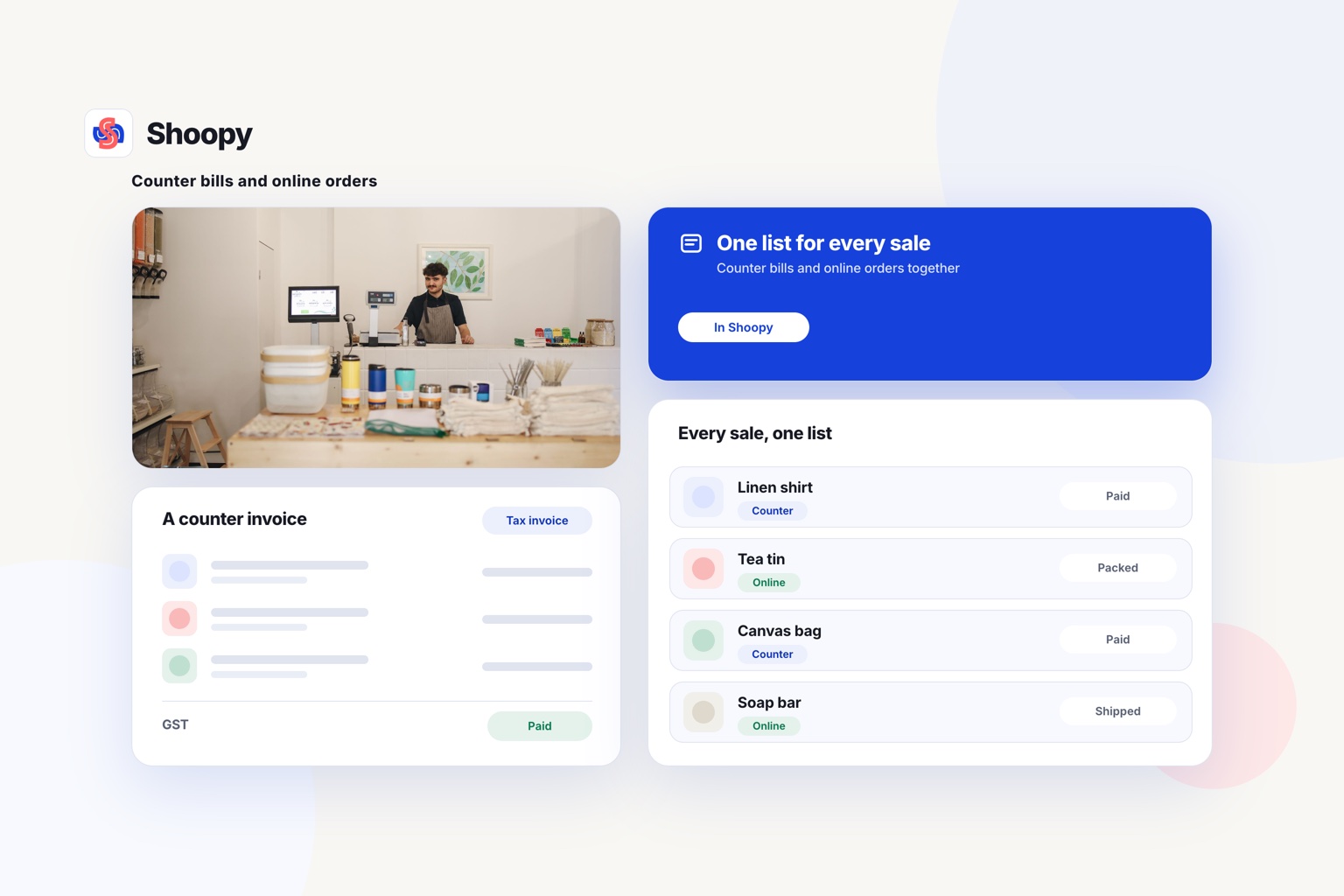
Shoopy runs counter billing and a full online store from one catalogue, so a sale at the counter lowers the online stock by one, and its homepage says 50,000+ businesses run on it. Your own domain, GST invoices and WhatsApp cart follow-up come on every plan; the app and marketing tools depend on your plan.
An Android app built for your store comes with Professional and above, and is an add-on on Basic; publishing it to Google Play is an add-on below Enterprise. Start the 14-day free trial and set up counter billing and GST to see the bill and the store stock move together.
For the POS side in more depth, read the comparison of retail POS software with an online store.
Frequently asked questions
Do customers need to install the billing app to order?
No. myBillBook’s marketing tools page says customers do not need its app and can open the online store in any web browser, though the page adds that invoicing or payment tracking may need the app. Vyapar’s guide describes customers opening the store from a link sent in a message, so the buyer needs only the link and a phone.
Can I keep some counter items out of the online store?
Yes. Vyapar’s guide has you open Edit Store and select the items to include or remove, so the store can show a shorter list than your counter. This suits a shop that sells loose or weighed goods at the counter but sends only packed goods to online buyers.
Can I bring my item list across from my current billing software?
Usually by spreadsheet. If your current tool exports items to Excel or CSV, map each column to the new tool’s import template: name, price, HSN code, tax rate and stock. Then open a few items and check the tax rates, because one wrong rate repeats on every bill.
Can more than one person bill on the same Shoopy account?
Yes, from the Professional plan. The pricing page lists staff logins with roles on Professional, 5 of them, and on Business, 25; Basic has none. Give each person who bills at the counter their own login instead of sharing one password.
Can I send a bill with a payment link on WhatsApp?
Yes, on Shoopy. Its counter billing page says bills go to the customer’s phone by WhatsApp or email with the payment link in them, so no paper is needed. The link takes UPI, card or netbanking through Razorpay or PayU, and each payment is matched to its invoice automatically.