 Shoopy
Grocery ecommerce platform for a supermarket in India (2026)
Compare Shopify, WooCommerce, Dukaan and Shopaccino as a grocery ecommerce platform for a supermarket: weight pricing, delivery slots, one catalogue.
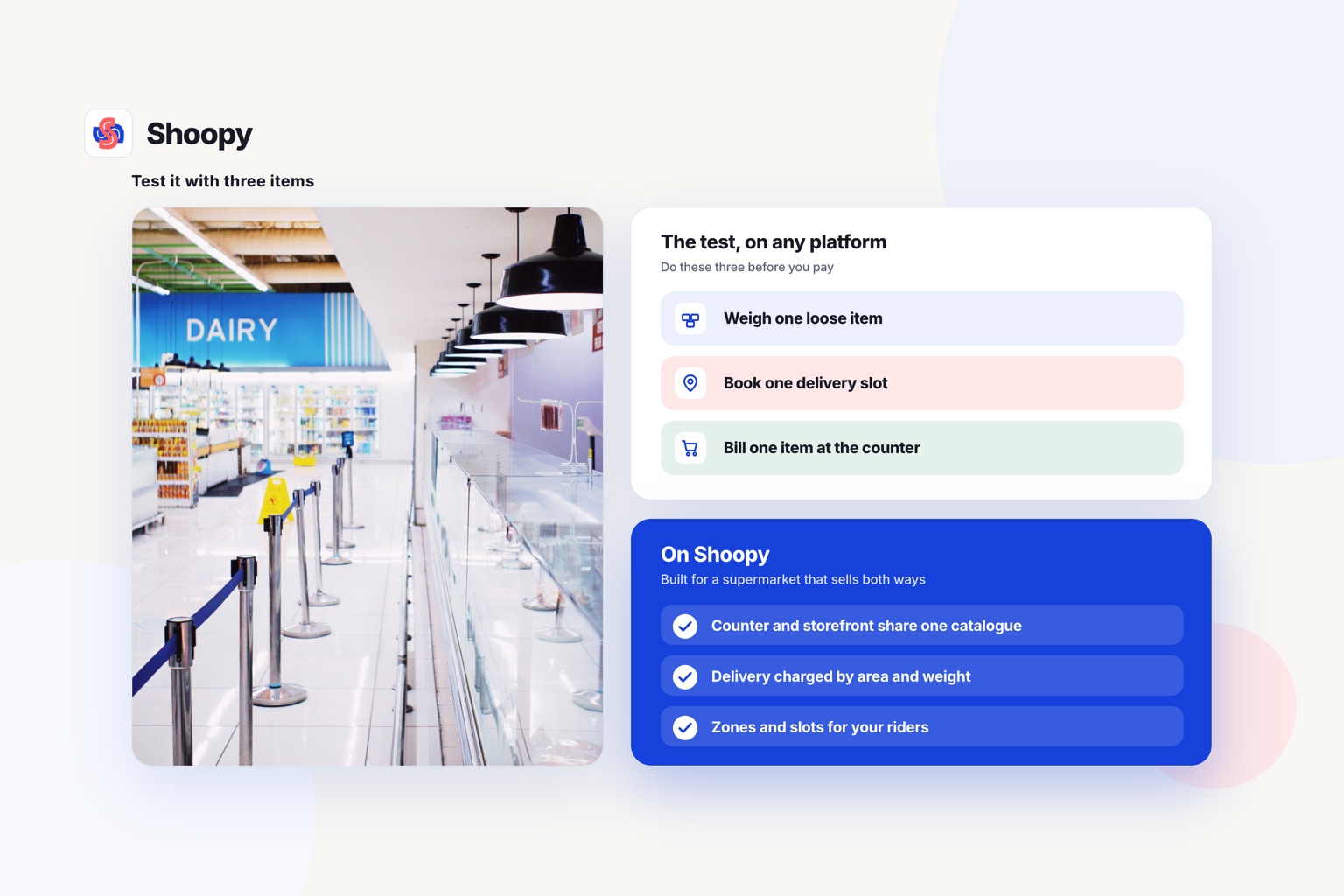
Quick Answer: The right grocery platform sells loose items by weight, runs delivery slots and shares one catalogue with your counter. On Shoopy, the counter and the storefront read the same catalogue, and its pricing page lists area and weight based delivery on every plan. Test any platform: weigh one loose item, book a slot, and bill one item at the counter.
A grocery ecommerce platform has to do more than a general store builder. A supermarket sells thousands of small items, many priced by weight, and it already bills at a counter. The platform you choose has to handle both without two catalogues.
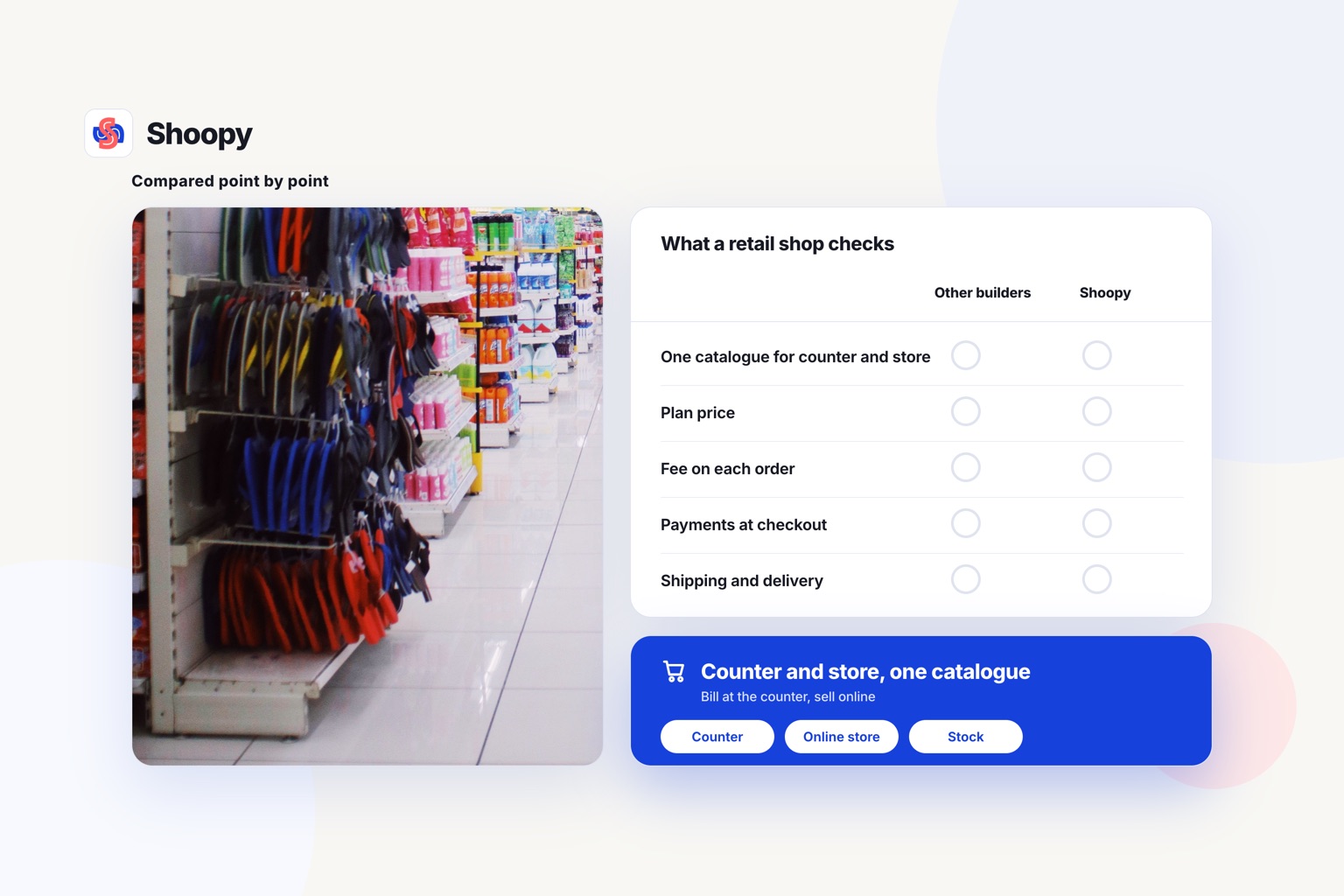
The table sets five platforms against those needs, general store builders ahead of grocery tools, not by rank.
Cost and fit of five grocery platforms
| Platform | Built for | Cost, as its own page prints it | Watch out for |
|---|---|---|---|
| Shopify | Brands that want a hosted store and can pay monthly | Basic ₹1,499 a month billed yearly, or ₹1,994 monthly, as of October 2026 | Casual in-person selling on every paid plan; POS Pro for a full counter is ₹7,000 a month per shop, billed yearly, as of October 2026 |
| WooCommerce | Shops with a developer and their own hosting | Free core software with no platform fee; hosting is paid separately | On self-hosting, you run updates, security and backups |
| Dukaan | Sellers who want a low entry price on a hosted store | Starter ₹2,500 a year; service fee 4.99% (Free) to 0.99% (Infinity), capped at ₹200 per order, as of October 2026 | The fee does not apply to manual orders |
| Shopaccino | Grocery sellers that want slots, zones and rider tools from one vendor | StartUp ₹18,984, Scale ₹49,980 and ProCommerce ₹99,984 a year plus GST, as of October 2026 | Delivery slots start on Scale; the branded app and the rider app are add-ons |
| Shoopy | Retailers who bill at a counter and sell online from one catalogue | Yearly plans with a fee-free order allowance each year, then a small capped fee per order; current prices on the pricing page | The delivery app for riders starts on the Professional plan |
Prices, plans and features of other platforms in this article were read from each vendor’s own pages in October 2026 and can change.
How do Shopify, WooCommerce and Dukaan compare for a supermarket?
Shopify is a hosted platform. Its India pricing page, as of October 2026, prints Basic at ₹1,499 a month billed yearly, or ₹1,994 monthly, with unlimited products and web hosting. Every Shopify paid plan includes casual in-person selling, and POS Pro for a full counter is ₹7,000 a month per shop, billed yearly, as of October 2026.
WooCommerce is different in kind. Its pricing page describes free, open-source software for WordPress with no platform fees and no revenue share. The cost is work: you buy hosting, keep the site updated and usually pay a developer.
Dukaan is a hosted option with a low entry price. Its pricing page, as of October 2026, prints a ₹0 plan and Starter at ₹2,500 a year. Its service fee runs from 4.99% on Free to 0.99% on Infinity, capped at ₹200 per order, and does not apply to manual orders, as of October 2026.
For a supermarket with small margins on each basket, model Dukaan’s service fee on your real order sizes before you sign up. Stock points differ by plan too: Dukaan lists 1 warehouse on Free and 20 on Infinity, Shopify tracks stock at up to 10 places on Basic, and Shopaccino lists up to 5 warehouses on ProCommerce.
Shopify fits a supermarket that wants a hosted store and will pay for POS Pro at a full counter. WooCommerce fits better when you have a developer on call and want to own every part of the site.
Dukaan fits a seller testing online demand at a low entry price. Shopaccino fits a grocery business that wants slots and rider tools from one vendor, on its Scale plan or above, with its rider app as an add-on.
What should a grocery ecommerce platform have before you sign up?
A grocery ecommerce platform needs five things that a general store builder can skip:
- Prices for loose items by weight, not only by piece.
- Delivery slots, because a full weekly basket needs a planned delivery time.
- Bulk upload for a catalogue of thousands of items.
- One stock count for the counter and the store, so a sale at the till does not oversell the website.
- Payments buyers in India expect: UPI, cards, netbanking and wallets through a gateway such as Razorpay, PayU or Cashfree, plus cash on delivery.
Check your own licence before launch too. In India, the Food Safety and Standards Authority of India lists e-commerce under a central licence with no limit on capacity or turnover in its licence and registration table. Confirm which row fits your business on the FoSCoS portal before the first online order.
Which platforms handle loose items sold by weight?
A platform for weighed goods prices per kilogram and lets you adjust the bill at packing. A kilogram of loose dal is not a normal product, because its price online is an estimate until the item is weighed.
Shopaccino’s grocery page lists product variants by weight, size and pack, and Shoopy’s variants help page lists weight and pack variants such as 100g, 250g and 500g. On the general builders, test it yourself during setup. Order one loose item, weigh a different amount at packing, and try to change that one order.
If the platform cannot adjust the bill without a phone call, you will fix every weighed order by hand. Where a platform cannot do this, sell loose items online as fixed packs, such as 250 g and 500 g, and keep true loose weighing at the counter.
Which platforms let you set delivery slots and zones in the store?
A grocery store needs its delivery rules set before launch: date and time slots with a cap on orders per slot, the pincodes you serve and a charge for each zone. Shopaccino’s grocery page lists date and time slot selection, daily delivery capacity, pincode-based delivery areas and zone-wise delivery charges; its pricing page puts delivery date and time slots on the Scale plan and above. Its grocery page also lists prices that change by delivery zone, and its pricing page puts location-based pricing on ProCommerce. Shoopy lets you draw delivery zones, set a charge per zone and offer delivery slots.
On the general builders, check whether slots and zones are built in or need extra apps. Place a test order from a pincode at the edge of your area and one from inside it, then confirm both show the right slots and charges. The guide to delivery zones and charges explains how to draw zones and price them, and the grocery home delivery guide covers the daily delivery work after launch, from packing to the doorstep.
Can counter billing and the online store share one catalogue?
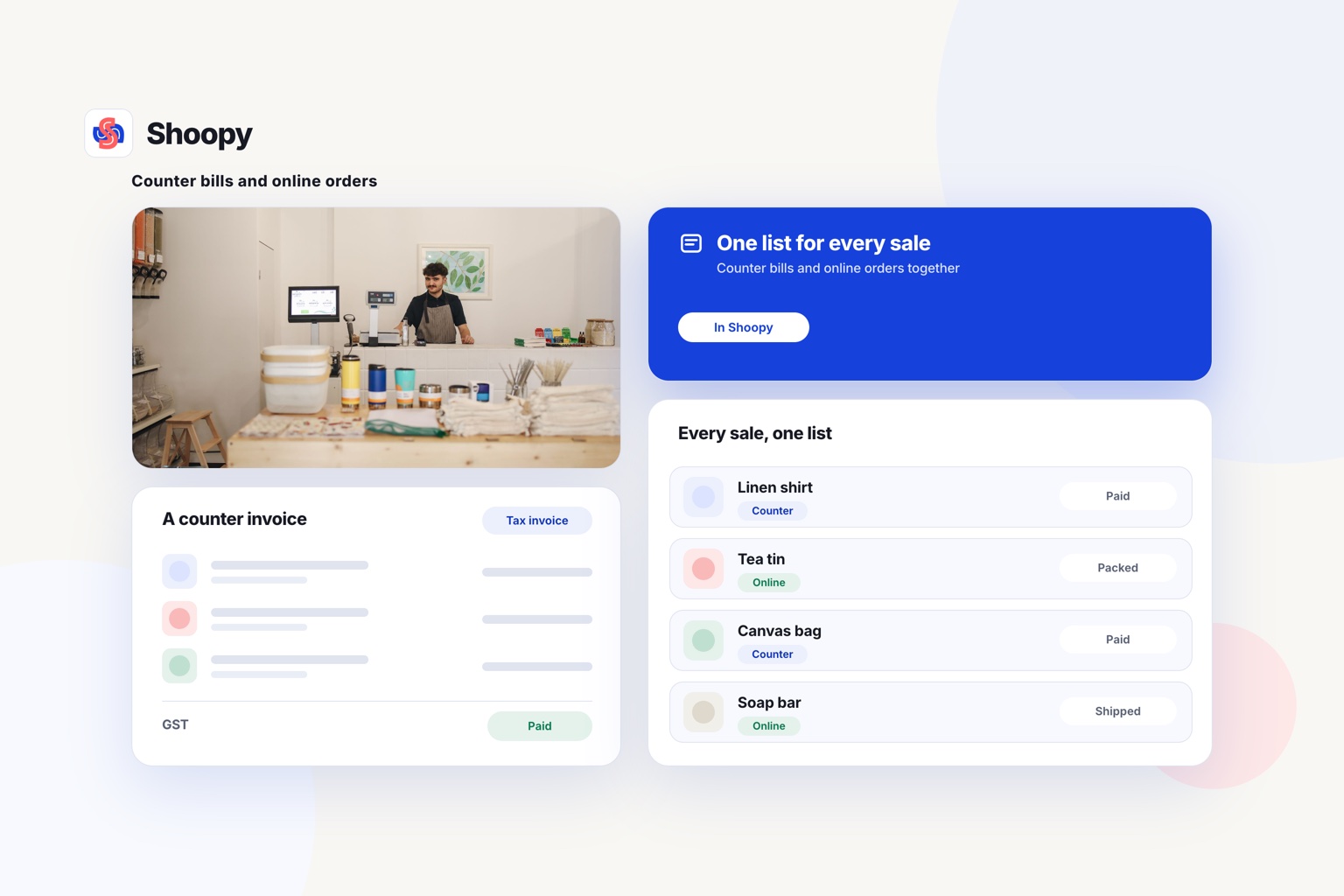
Yes, and for a supermarket it decides whether stock stays right. When the counter and the storefront read the same catalogue, a bill at the till drops the online stock by one.
Shoopy is built this way, and delivery is charged by area and weight on every plan. In India it is a yearly plan with a fee-free order allowance each year; past the allowance, a small capped fee applies per order. The plans and current prices are on the pricing page.
There are plan limits too. The delivery app for riders starts on Professional, and running several shops from one store starts on Business. To open a grocery store ecommerce website on your own domain, with one catalogue for counter and online orders, start from the online store page.
For fast delivery from your own shop, the quick commerce page shows how zones, slots and riders fit together. If you also want a branded app, the white-label grocery app comparison covers that choice.
WooCommerce’s in-person payments page lists its own POS for ten countries, and India is not one of them, so a shop in India connects its counter through a third-party POS system. Shopaccino’s pricing page lists a web POS for the counter as an add-on on every plan.
How do you move a large grocery catalogue onto a platform?
Use a spreadsheet upload, because typing thousands of items one by one is not a plan. Shopify’s help centre describes product imports from a CSV file of up to 15 MB. WooCommerce’s documentation describes a built-in CSV tool for importing, exporting and bulk-updating products, and Shopaccino lists bulk product uploads.
The work is in the columns: name, weight or pack size, price, tax rate and stock count for every item. Clean the sheet first, because a wrong price uploads as cleanly as a right one. Where the counter reads the same catalogue, one spreadsheet brings in products and stock counts for both.
Grocery gaps that show up only after the first orders
The common failure is choosing on price alone and finding the grocery gaps later. The first weighed order arrives and the platform cannot adjust the amount. Or a Sunday evening brings more orders than your packers can pick, because the slots have no cap.
The second failure is two catalogues. The billing machine has tax rates the website lacks, and a price change reaches one and not the other.
You stop both the same way: test with real grocery orders before you commit.
To see one catalogue run your counter and your online store together, book a demo with a few of your own products.
Frequently asked questions
Will a supermarket’s full range fit on one plan?
It depends on the plan. Shoopy’s pricing page lists up to 500 products on Basic, 5,000 on Professional and 1,00,000 on Business, as of October 2026, while WooCommerce’s free core platform includes unlimited products. Count your items first, then load them by CSV file and check every price before launch.
Can one online store draw stock from more than one shop or warehouse?
Yes, on many plans, but the number of shops or warehouses a store can draw from is set by the plan, and the larger counts, up to 20 warehouses in this guide, sit on the top plans. Count your shops and warehouses first, then find the plan that covers them on each platform’s pricing page before you compare prices.
Can prices on the store differ by delivery area?
On some grocery platforms, yes: prices can change by delivery zone, and that can sit on a higher plan. This helps when two shops stock different ranges or pay different costs, but check that each price still matches the one billed at the counter. Place one test order from a PIN code in each zone before launch.
Can one product come in several pack sizes?
Yes, on most platforms, as variants: one product, such as basmati rice, with 1 kg, 5 kg and 10 kg options, each with its own price and stock count. Give each pack its own SKU or barcode, so the counter bills the right one.
Can I keep my shop’s billing machine and just add an online store?
You can, but expect the stock lists to drift apart. Export the billing machine’s price list as a CSV file each week and import it into the store. Or move counter billing onto the same platform, so the counter and the storefront read one catalogue and a bill at the till drops the online stock by one.