 Shoopy
 White-label grocery delivery app platforms for supermarkets in India (2026)
Four platforms a supermarket can use for its own white-label grocery delivery app, compared on stock, delivery zones, riders and whose name the app carries.
Quick Answer: Yelo, Shopify, Dukaan and Shoopy are four platforms to compare for a white-label grocery delivery app in India. Choose one where the app, counter and every branch share one stock count, and the app carries your own name. Shoopy builds the branded app from the same catalogue the counter bills from, and it is published under your supermarket’s name.
A white-label grocery delivery app is an app that a platform builds and your supermarket publishes under its own name, icon and colours. Customers order from your shelves, and your own staff or riders deliver. The table quotes each platform’s own page, and a later section matches each kind of supermarket to a platform, not by rank.
Which white-label platforms can a supermarket use for its own grocery delivery app?
This guide compares four platforms a supermarket can weigh for its own delivery app, one per row below. Each one starts from a different idea of the business, so read each row in full.
| Platform | Built for, and what its own page says |
|---|---|
| Yelo (Jungleworks) | As of October 2026, Yelo’s pricing page lists yearly plans for one shop, many shops of one brand, or many brands. Each plan lists a hybrid customer app and a set number of orders a year, with a fee for each extra order. Branded iOS and Android apps are an add-on to these plans, and the page’s Scale bundle lists them |
| Shopify | As of October 2026, Shopify’s local delivery page says local delivery is free on any Shopify plan, with delivery zones set by radius or postal code. You set your own delivery price for each zone, and drivers use the Shopify Local Delivery app |
| Dukaan | As of October 2026, Dukaan’s pricing page lists plans with one to ten online stores, delivery based on the customer’s postal code or distance, and a service fee on sales of 4.99%, 3.99%, 1.99% or 0.99% by plan. Dukaan’s page says the fee does not apply to manual orders and has a cap on each order |
| Shoopy | Supermarkets that bill at a counter and deliver from one or more branches, under their own name. Plans and current prices are on the pricing page |
Two questions the table cannot answer
Ask each platform whether it publishes a customer app under your name, or only a website. A website on a phone is not the same as an app on Google Play and the App Store.
Then ask whether your counter sells from the same stock count as the app. If it does not, staff must correct two counts by hand.
How to compare the charges
Work out each row’s charge at last month’s real order count before you compare. A share of every sale and a yearly plan behave differently as orders grow.
What does a supermarket’s own grocery delivery app need?
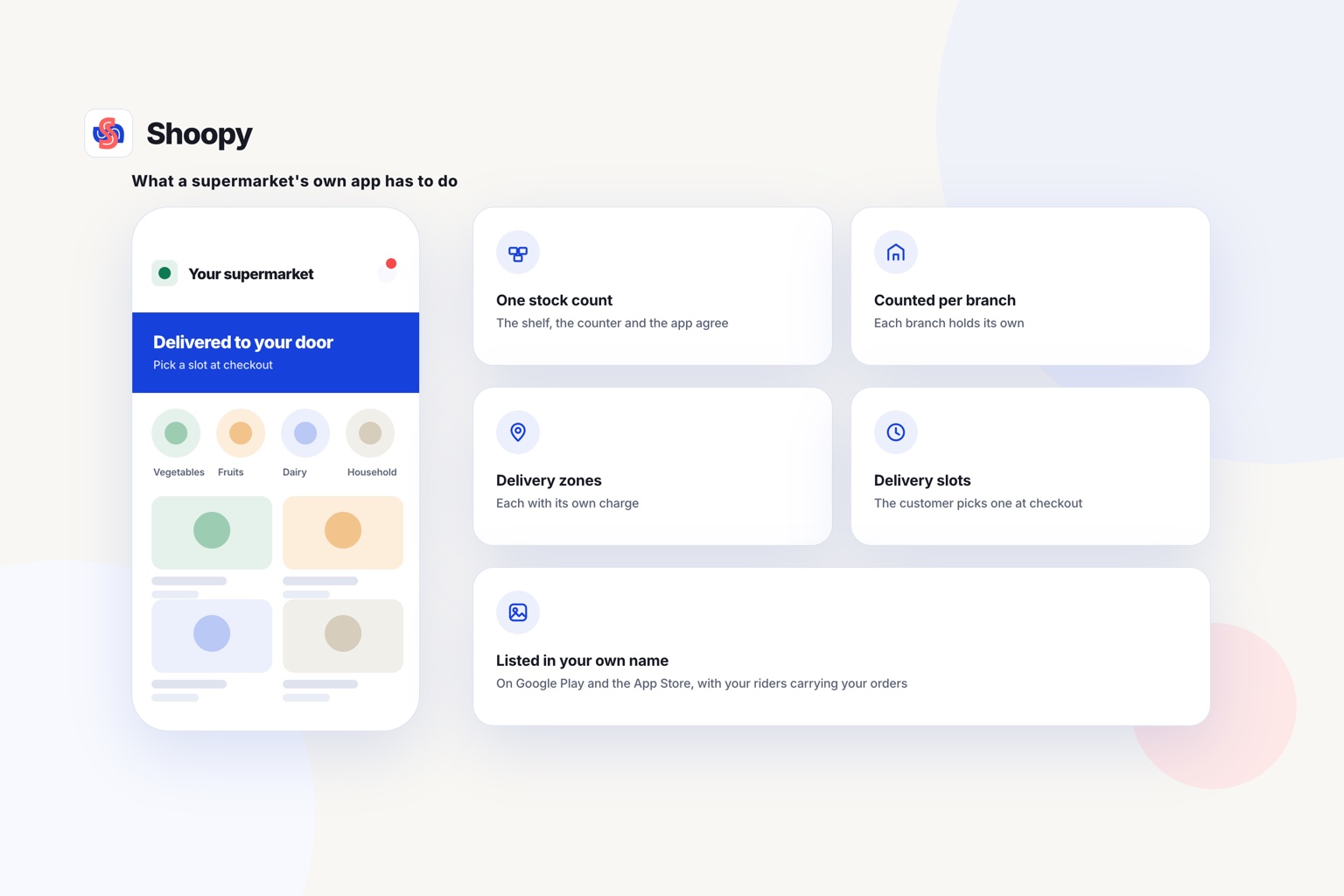
It needs five things: one stock count, delivery zones, delivery slots, a rider app and a listing in your own name. The first four are below, and the listing has its own section.
One stock count for the shelf, the counter and the app
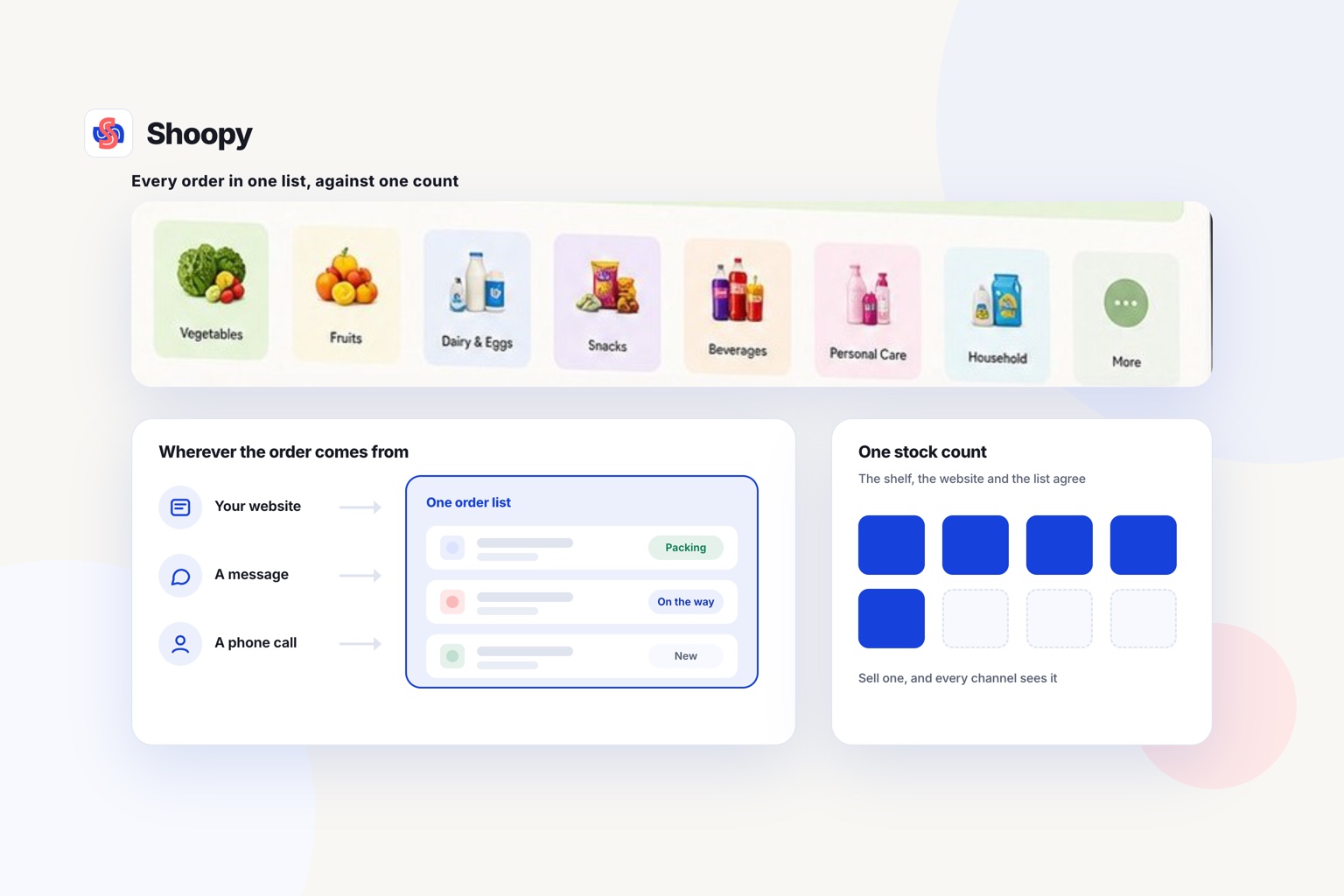
A supermarket sells the same packet at the counter and in the app. If the two keep separate counts, the app sells packets the shelf no longer has. Bill a packet of rice at the counter, and the app should show one packet fewer.
With more than one branch, stock must be counted per branch. Multi-store retail on one catalogue keeps a count for every branch and sends each order to the branch that serves the customer’s area.
Can you set delivery zones with their own charge?
A delivery zone is the area around a branch where you deliver, with its own delivery charge. A near zone can carry a low charge and a far zone a higher one. Draw only the zones your riders can reach in the time you promise.
Can customers pick a delivery slot?
A delivery slot is a time window the customer picks at checkout, such as the evening. Slots let staff pick and pack orders before the riders leave. Decide how many orders your staff can pack for each slot before you open it.
Is there an app for your own riders?
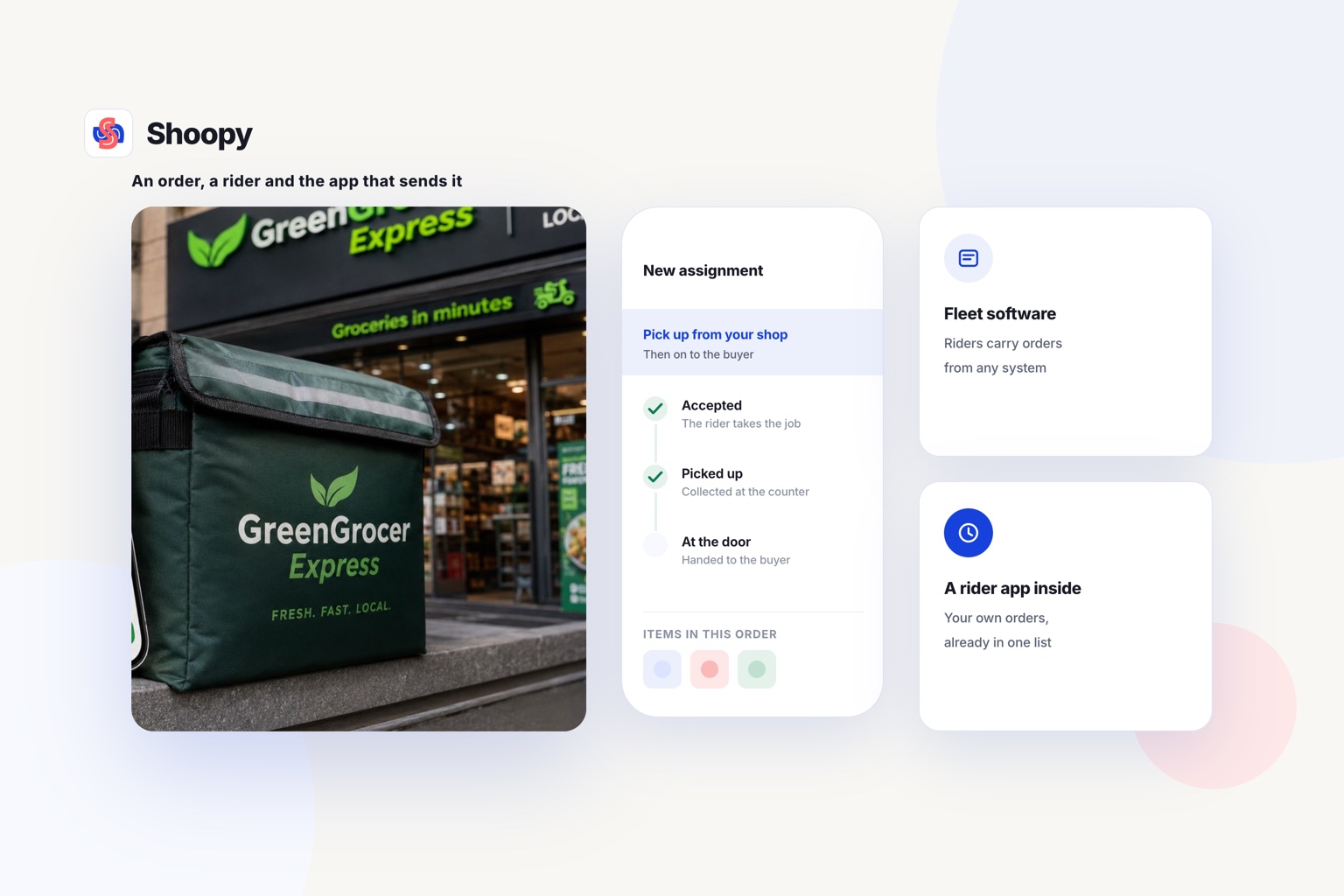
A rider app shows each rider the order, the customer’s address and the next stop. Without one, every delivery starts with a phone call to the shop. In an online grocery store with delivery zones, slots and a rider app, the charge is set per zone and riders receive orders in their own app.
Whose name should the app be published under?
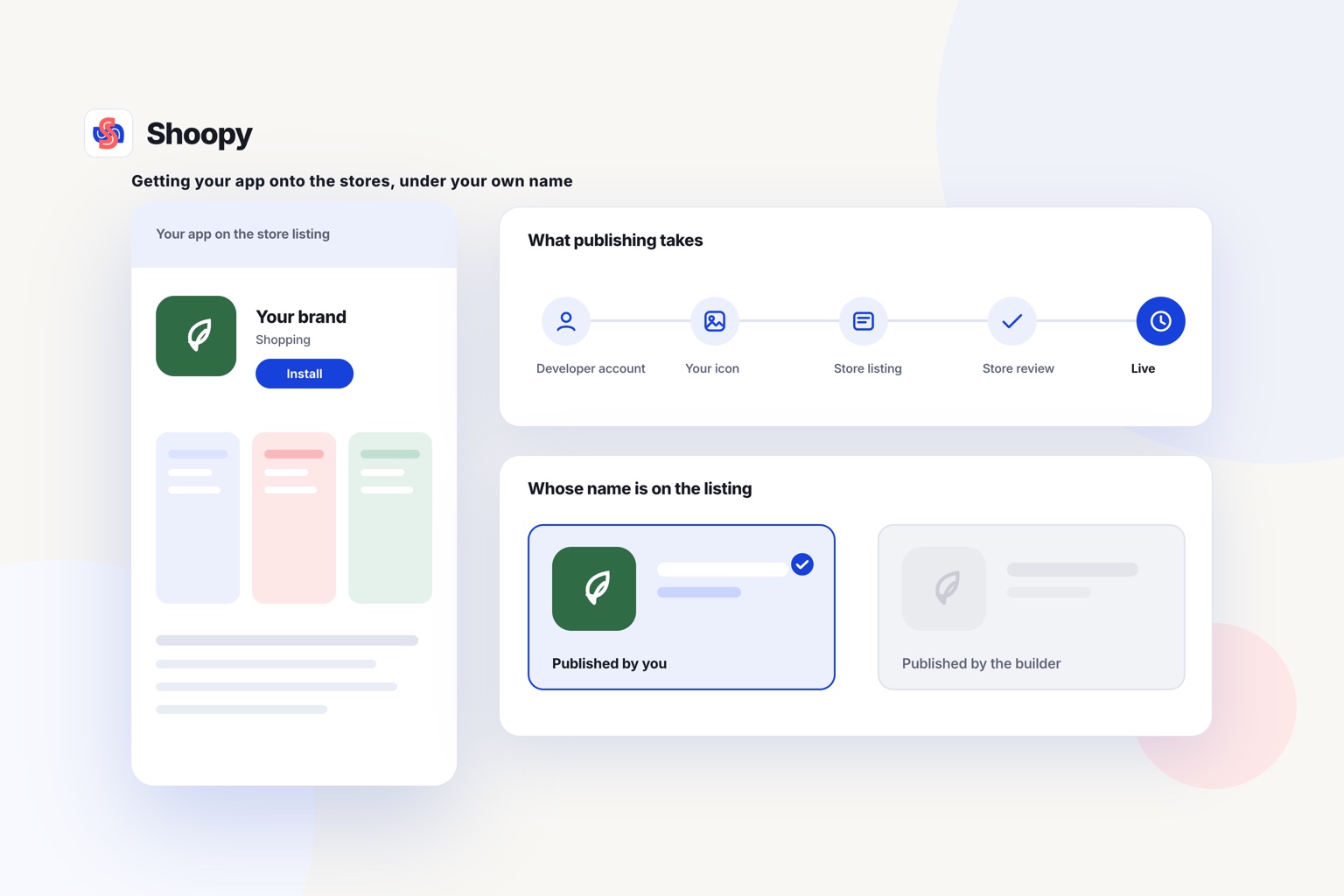
Publish it under your supermarket’s own developer account, so the listing, its reviews and its installs stay yours. If another company’s account holds the listing, that company controls it.
Apple’s rules point the same way. As of October 2026, Apple’s App Review Guidelines say apps built from a commercial template or app generation service are rejected unless the content provider submits them (rule 4.2.6).
For your app, the provider of the content is your supermarket. So the iPhone app should go out from your own Apple developer account, not the platform’s.
Ask any platform three questions before you sign:
- Who opens the developer accounts, and in whose name?
- Who keeps the app listing if you leave the platform?
- Can you download your customer list whenever you want?
On Shoopy, the branded app carries your supermarket’s name, and you keep the app listing and your customer list.
What goes wrong when a supermarket launches its own delivery app, and how do you stop these mistakes?
Four problems are worth planning for: wrong stock, wrong prices, late riders and slots that staff cannot pack. Each one has a plain fix.
The app sells what the shelf does not have
A customer orders the last bag of flour, but a counter customer bought it an hour earlier. Keep one stock count for the counter and the app, counted per branch. Decide too what staff do when an item runs out after an order.
The app shows an old price
When a shelf price changes, a second product list means the change is made twice. Miss one, and the bill at the door differs from the price in the app. Keep one catalogue, so one price change reaches the counter and the app together.
Riders arrive late
The zone was drawn wider than riders can cover in the promised time. Start with a small zone around one branch. Widen it only once riders keep to the time you promise.
Slots fill faster than staff can pack
Every order in a slot must be picked, packed and handed to a rider before the slot starts. Set the number of orders per slot to what your staff can pack. Add staff before you add slots.
Which platform fits which kind of supermarket?
Match the platform to how your supermarket is built: one shop, several branches, a marketplace, or an online store that already runs elsewhere. The order below is not a ranking.
- One shop with a counter and a few riders. Choose a platform where the counter, the online store and the app share one catalogue and one stock count.
- Several branches under one name. Check that stock is counted per branch, and that each order goes to the branch that serves the customer’s area.
- A marketplace where other shops sell too. Look for a plan built for many brands. The table shows which platform lists one.
- An online store that already runs on Shopify. Keep it there, read its row in the table, and ask whether it can publish a customer app under your name.
For a supermarket with a counter
Shoopy fits a supermarket that bills at a counter and delivers from one or more branches. The branded app, the online store and counter billing read one catalogue, and each branch keeps its own stock count. You draw delivery zones with a charge for each, offer delivery slots, and riders take orders in a rider app.
Customers can also follow each order to their door.
Does this work for a marketplace of many shops?
This setup sells your own stock under your own name. A marketplace of many shops is a different product, and this guide to quick-commerce software for local retailers sends that need to marketplace platforms.
If your shelves, your counter and your app need one stock count, see how a branded app under your own name is built from the catalogue you already keep.
Frequently asked questions
Does the app need an update every time a price changes?
It should not. Ask each platform whether the app reads prices and stock from your catalogue each time a customer opens it, so a change made at the counter shows in the app at once. A new version through Google Play or the App Store should be needed only when the app’s own screens or features change, not when your catalogue does.
What should staff do when an ordered item has run out?
Set one rule before launch and show it at checkout. Staff can call the customer, swap in a similar item the customer has approved, or leave the item out and refund it. Tell the customer by phone, SMS or WhatsApp before the rider leaves, so the bag matches the bill.
Can a grocery app sell loose items such as vegetables by weight?
Yes, in one of two ways: list loose items in fixed packs, such as 500 g or 1 kg, so each pack has one price. Or, if your platform supports it, sell by approximate weight and adjust the bill after weighing. Fixed packs are simpler for staff, and customers see the final price before paying.
Should a supermarket stay on delivery marketplaces after it launches its own app?
It can keep both: a marketplace can bring new buyers, while your own app keeps your regular buyers and their order history with you. Run both from one catalogue so stock stays correct. Then invite marketplace buyers to your app with a QR code card in each bag.
How do I get regular customers to install the app?
Ask them where they already deal with you. Print a QR code, a square barcode that a phone camera can read, on the bill, the delivery bag and the shelf edge. Counter staff can offer to install the app while the customer waits.