 Shoopy
 Best Shopify alternatives in India: ecommerce platforms compared (2026)
Three Shopify alternatives in India compared by the business each suits and how each charges per order, with the checks to run before you move your store.
Quick Answer: Dukaan, Zoho Commerce and Shoopy are three Shopify alternatives in India to compare in 2026. Work out each fee at your monthly order count, and check whether counter billing shares one stock count with the online store. Shoopy runs counter billing, the online store and a branded app on one catalogue, so a counter sale updates online stock.
A Shopify alternative is another ecommerce platform that runs your online store, takes payments and holds your product list. The cost of a platform depends on your order count, not only on its plan price. So a fair comparison starts with your own sales, not with a feature list.
Which ecommerce platforms are Shopify alternatives in India?
Dukaan, Zoho Commerce and Shoopy are three Shopify alternatives in India, compared here with Shopify itself. Start with each vendor’s own words.
The table is sorted by the kind of business, not by rank.
| Platform | Built for, and how it charges | Check before you move |
|---|---|---|
| Shopify (the platform you are leaving) | As of October 2026, Shopify’s India pricing page calls Basic “for solo entrepreneurs” and Advanced “for global reach”. It lists a fee of 2% (Basic), 1% (Grow), 0.6% (Advanced) or 0.2% (Plus) on orders paid through third-party payment providers | Which payment provider your orders go through today |
| Dukaan | As of October 2026, Dukaan’s pricing page says it is “tailored for online businesses, especially those seeking frequent repeat purchases”. It lists a service fee on sales of 4.99%, 3.99%, 1.99% or 0.99%, depending on the plan. Dukaan’s page says the fee does not apply to manual orders and has a cap on each order | What the fee comes to at your monthly order count, with gateway charges added |
| Zoho Commerce | As of October 2026, Zoho Commerce’s pricing page describes Starter as a “micro-store” plan and Premium as “Sell B2B at scale”. Its pricing FAQ says it does not charge a transaction fee on any of its paid plans | Which plan covers your number of products and staff users |
| Shoopy | Shops that bill at a counter and sell online from one catalogue. Plans and current prices are on the pricing page | Whether your counter and your online store need one stock count |
Other platforms to check
Other platforms, such as WooCommerce, Instamojo and Wix, can be checked with the same three columns. Open each vendor’s own pricing page, not a list on another site, because fees change.
How do Shopify alternatives in India charge for each order?
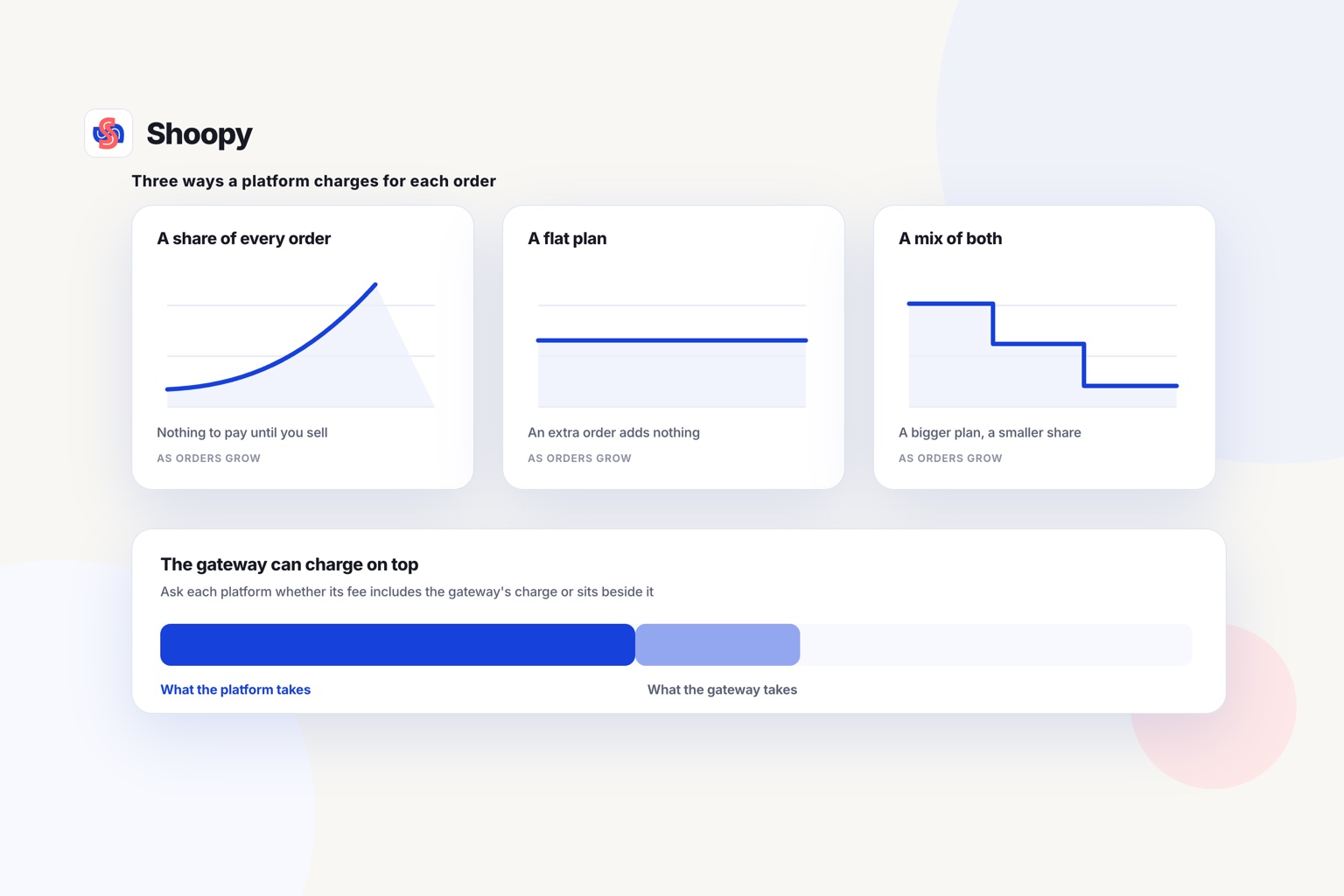
They charge a percentage of each order, a plan price with no order fee, or a mix of the two. The table above shows which model each vendor states.
Percentage fees
A percentage fee costs little while orders are few. It grows with every sale you make. On 100 orders, a fee of 5% equals the value of five average orders.
Plan prices with no order fee
A plan with no order fee works the other way. You pay the same plan price in a slow month and in a busy month. So it costs more for each order while sales are low, and less once orders are many.
Mixed and stepped fees
Some vendors lower the percentage on higher plans. Find the order count at which the saving on fees is larger than the extra plan price. Below that count, you pay less on the lower plan.
Payment gateway charges
A payment gateway is the company that moves money from the buyer’s bank to yours, such as Razorpay or PayU. Some vendors state their fee without the gateway’s charge. Ask for both numbers before you compare two platforms. A Shopify payment gateway in India is always a third-party provider: as of October 2026, Shopify’s help centre does not list India among the countries for Shopify Payments. If you are leaving Shopify, note which provider your orders run through today, and check that the new platform connects to the same one.
What should you check before you switch from Shopify?
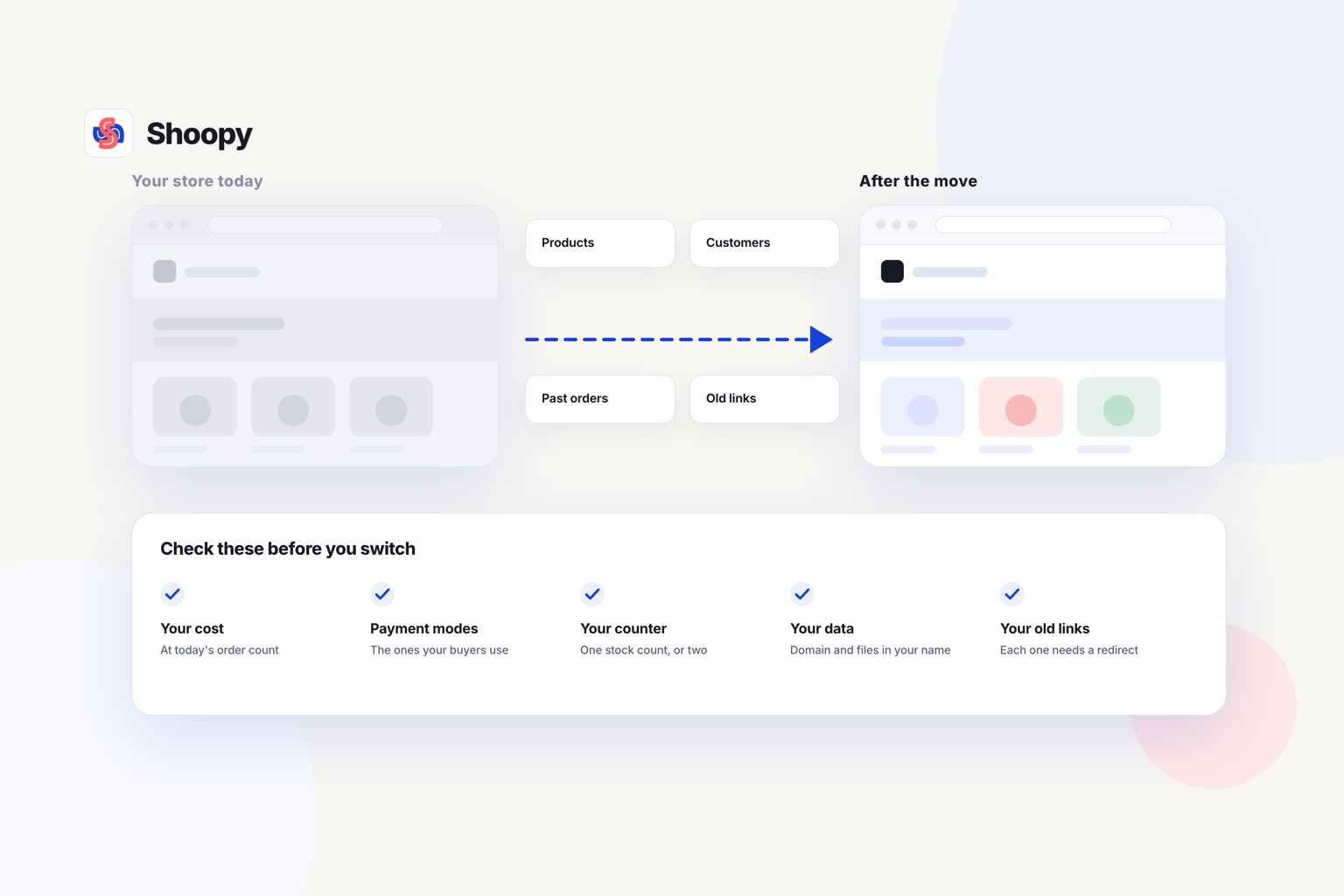
Check five things: your cost at today’s order count, payment modes, your counter, who owns your data, and your old links. Each one can change the answer.
What is your cost at today’s order count?
Take last month’s orders and their average value. Work out what each platform in the table would have charged, with gateway charges included. Then do the same sum at double the orders, because growth can change which platform costs less.
Payment modes
List how your buyers paid last month, such as UPI (paying straight from a bank app), cards, net banking or cash on delivery. Check that each mode works at checkout on the new platform before you move.
Will the new platform bill at your counter?
If you also sell from a shop, check whether the new platform bills at the counter too. Two systems mean two stock counts, and they stop matching unless every sale updates both. Look for counter billing that prints GST invoices and reads the same catalogue as the online store, so a sale at the counter lowers the online stock by one.
Who owns your data after you switch?
Your domain should be registered in your name, not the platform’s. Export your products, customers and orders as CSV files (simple spreadsheet files) before you cancel any plan.
Then ask whether the new platform can import those files, including stock counts and past orders.
Your old links
Every old product address needs a redirect, an instruction that sends visitors to the new page. Google’s guide to moving a site with URL changes asks you to map each old URL to its new one. It also says 301 and other permanent redirects do not cause a loss in PageRank.
What goes wrong when brands switch from Shopify, and how do you stop it?
Orders stop when payments, links or buyer messages are left until the last day. Plan each one before you move the domain.
Payments stop
Ask the new payment gateway which identity checks it needs before it pays money to you. These are called KYC (know your customer) checks. Start that paperwork in the first week of the move, not the last.
Links break
A redirect map that is never tested can send buyers to error pages. Open 20 old product addresses from your saved list on the new store. Each one should land on the matching product, not on the home page.
Buyers keep using the old store
Repeat buyers still have the old address saved. Put a notice on the old store, send a WhatsApp message to past buyers, and print the new address on your counter bills. Keep the Shopify store open until the new store has taken real orders and the first payments have reached your bank.
The move lands in a sale week
A half-finished store in a busy week loses orders. Pick a slow week for the domain change. Freeze product edits on the old store from the day you export the catalogue.
How do you match a Shopify alternative to your business?
It depends on four things: where your buyers live, your order count, whether you sell to other businesses, and whether you bill at a counter. Pick the platform that fits the business you run today and the one you plan to run next year.
Match the platform to the business
The list below is sorted by the kind of business, not by rank.
- You sell to buyers in many countries. Compare the Shopify plans in the table before you leave, because staying may suit you better than moving.
- Your orders are few or uneven. Look for a percentage fee in the table, then find the order count where it costs more than a plan price.
- You sell to other businesses as well as to shoppers. Check which vendor pages in the table describe B2B selling, and which plan includes it.
- You run a shop and sell online. Look for counter billing and the online store on one catalogue that both read.
When should you stay on Shopify?
One boundary is worth stating plainly. Shoopy’s comparison of the two platforms says to choose Shopify if you sell to many countries in many currencies. It recommends Shoopy for shops that sell in India, with GST invoices, UPI, cash on delivery and a counter to bill at.
Before you decide, run the four counter-and-store checks in this guide to running online and offline retail together. They take about ten minutes on any platform you are testing.
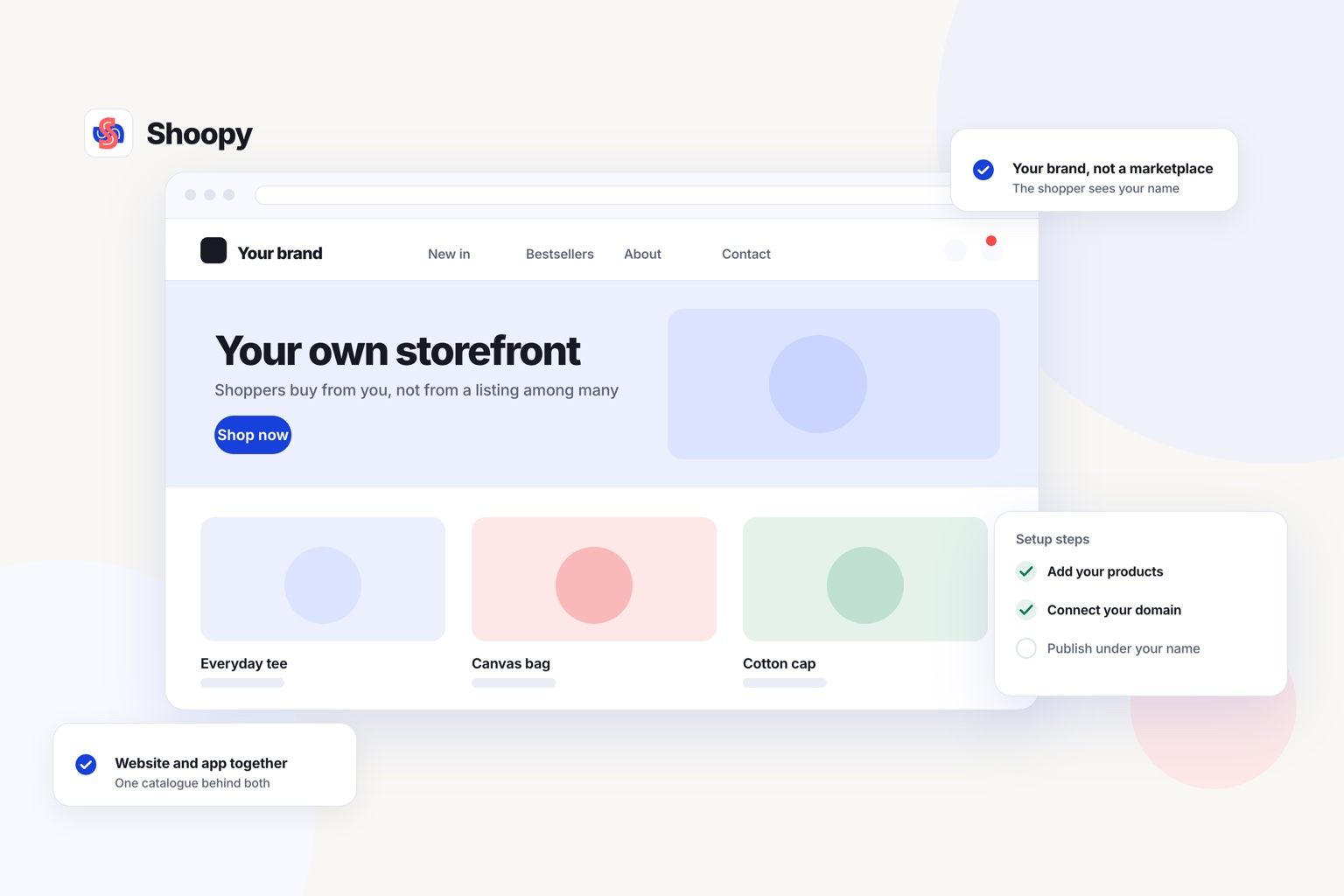
If your shop and your online store need one stock count, see how an online store on your own domain reads the same catalogue as your counter. It can import your products and stock counts from a spreadsheet, so the catalogue you export does not have to be typed in again.
Frequently asked questions
What should you ask a new platform before you sign?
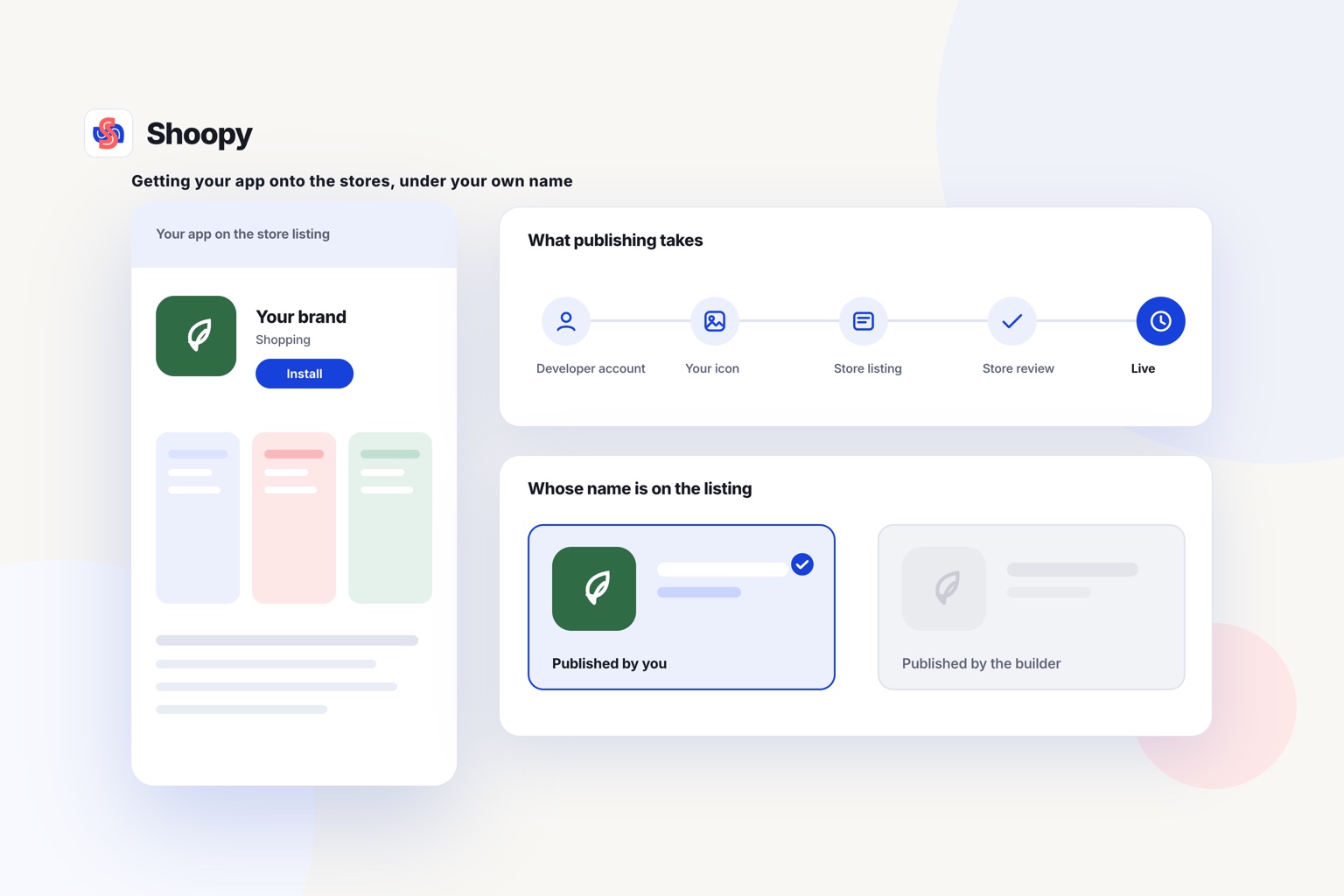
Three things, in writing: what it will bring across from your current catalogue, how you get your customers and orders out again if you leave, and who holds the domain and the app listing. Ask before you pay, because all three get harder to change once your products are loaded.
Does switching platforms change your GST invoicing?
It can. Check that the new platform raises an invoice for every online order with your GSTIN, HSN codes and the right tax split, and that it exports the data your accountant files. A platform that leaves invoicing to a plugin is a platform you will be reconciling by hand.
What should I export from my old store before I close it?
Export products, customers, orders and discount codes as CSV files, which open in any spreadsheet program. Save product photos, page text and a list of every old page address for your redirect map. Do all of this before you cancel the plan, because a closed account may block access to its data.
How do I compare a percentage fee with a fixed plan price?
Find the yearly sales at which both cost the same: divide the yearly plan price by the fee rate. If the fee is 2%, that point is 50 times the plan price. Sell more than that each year and you pay less on the fixed plan; sell less and you pay less with the percentage fee.
Does a new store platform need a new payment gateway account?
Not always. If the new platform supports your current gateway, you may be able to connect the same account with its API keys, the codes that link two systems. If it does not, ask the new gateway which KYC (know your customer) checks it needs, and apply before you move your domain.