 Shoopy
 Ecommerce website builders in India with COD and a payment gateway (2026)
Choosing a payment gateway for ecommerce website checkout in India, with COD: how Shopify, WooCommerce, Instamojo and Shoopy handle both, and what to check.
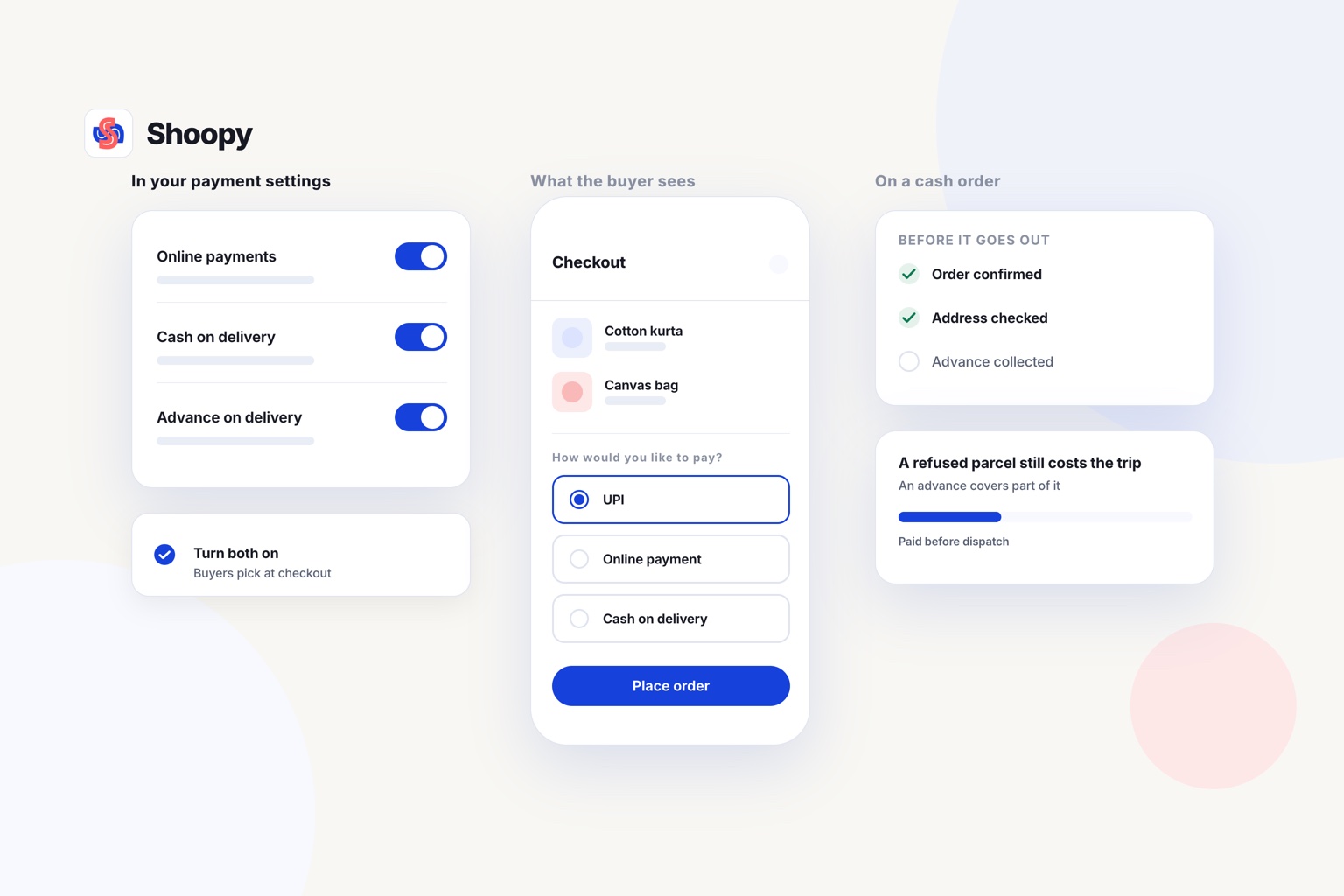
Quick Answer: Shopify, WooCommerce, Instamojo and Shoopy are four ecommerce website builders in India compared here for COD and a payment gateway. Check whether both payment modes reach one order list, and who approves your gateway account. On Shoopy, cash on delivery and UPI are both set from Payment Settings, with UPI taken through Razorpay or PayU, and both reach one order list.
An ecommerce website with payment gateway and COD options lets each buyer pick how to pay. COD (cash on delivery) means the buyer pays when the order arrives, not at checkout. A payment gateway is the service that carries an online payment, such as UPI (Unified Payments Interface), from the checkout to the bank.
An ecommerce website builder is software that lets you open an online store without writing code. This guide reads each builder from its own page, then covers the gateway checks and the COD problems to plan for. The rows are sorted by the kind of business, not by rank.
How do Shopify, WooCommerce, Instamojo and Shoopy handle COD and online payments?
This table compares Shopify, WooCommerce, Instamojo and Shoopy on COD and online payments, each read from its own page. Read the row for the builder you are considering.
| Platform | COD and online payments, from the platform’s own page |
|---|---|
| Shopify | As of October 2026, Shopify’s help page on manual payment methods names cash on delivery (COD) as a common manual payment method. You switch a manual payment method on in the Payment providers section of Settings, Payments. The page says it lets customers who do not want to pay by credit card still order online. These orders are marked unpaid on the Orders page until you mark them paid, and you then fulfil them like an order paid online. |
| WooCommerce | As of October 2026, WooCommerce’s settings guide shows payment providers switched on and managed under WooCommerce, Settings, Payments, and points to its payment gateway options. Cash on delivery is switched on from the Take offline payments group on the same screen, with direct bank transfer. |
| Instamojo | As of October 2026, Instamojo’s pricing page lists cards, netbanking, UPI and cash on delivery at checkout on its Lite, Starter and Growth plans. The fee on each successful transaction is 5% plus a fixed amount on Lite and Starter, and 2% plus a fixed amount on Growth, with GST added; digital products have a separate, higher fee. Lite is listed at no yearly charge; Starter and Growth add a yearly plan price to the transaction fee. |
| Shoopy | UPI, cash on delivery and online payments through Razorpay or PayU, set up from one Payment Settings page. Plans and current prices are on the pricing page. |
Read each row for two things: where COD is switched on, and how an online payment reaches your order list. If a row leaves either point unclear, ask that platform before you build.
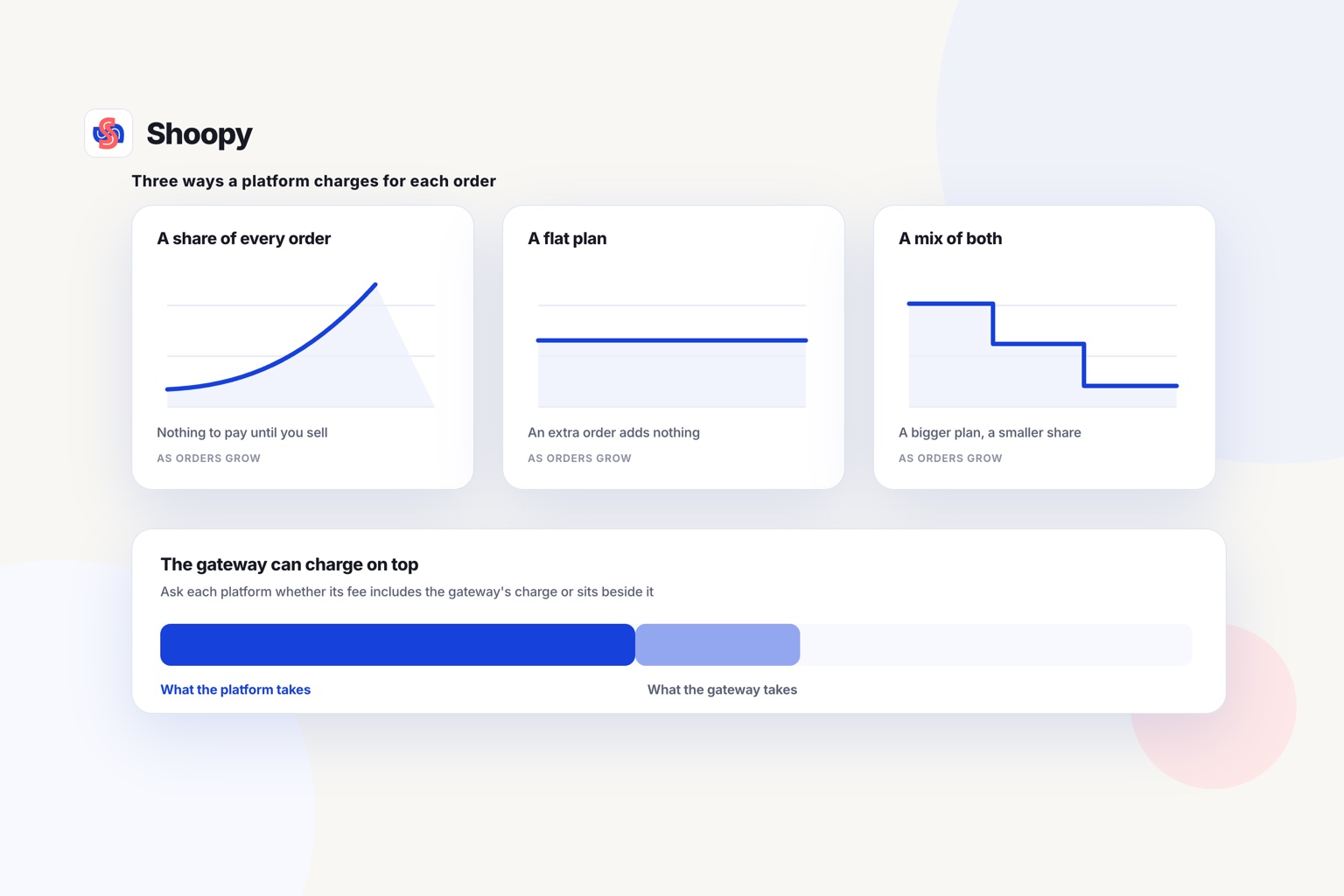
Ask each builder, too, whether it charges its own fee on orders paid online. The gateway may charge a separate fee on the same order.
How do you set up an ecommerce website with payment gateway and COD options?
You turn on COD in the store’s payment settings, connect an online gateway, and finish that gateway’s own KYC before the first order. KYC (know your customer) means the gateway checks who you are and which bank account it will pay.
Set up both payment modes before you share the store’s address:
- Turn on COD. Switch it on in the payment settings. If your builder allows it, choose which orders can use COD.
- Choose a gateway and sign up on its own site. The gateway runs its KYC and asks for your bank account details. Keep them ready before you start.
- Connect the gateway to your store. Follow the steps your builder gives, such as a plugin to install or a signup button.
- Place two test orders. Pay for one online and choose COD for the other. Both should reach the same order list with the right payment status.
- Write a payment policy. Say which payment modes you accept and how refunds work for each one.
The gateway approves your account through its own KYC, whichever builder you use. This store setup guide shows each step, from Payment Settings to the first test order.
What should you check in a payment gateway for an ecommerce website?
Check four things before you pick a gateway: its RBI authorisation, the payment modes it takes, its settlement terms and its fees.
Who regulates the payment gateway?
If the company you sign up with collects the buyer’s money and settles it to you, the RBI treats it as a payment aggregator. In India, a payment aggregator that is not a bank needs RBI authorisation, under the RBI’s Payment Aggregator Directions of 15 September 2025. Ask the company to confirm its authorisation before you sign.
Which payment modes does the gateway take?
List the ways your buyers ask to pay, such as UPI, cards and netbanking. Then check that each one works on the gateway’s checkout on a phone. COD stays outside the online gateway, because that money is paid at the door.
When does the money reach your bank?
Settlement is the gateway paying the collected money into your bank account. The RBI directions say the timing follows your agreement with the payment aggregator, and that the agreement must state it clearly. Read that line before you sign.
What does a payment gateway charge?
Ask for the fee on each payment mode, in writing. Then ask the store builder whether it adds its own fee on orders paid online. Add the two together at your real order count before you compare.
What goes wrong with COD orders, and how do you stop it?
COD orders go wrong when the buyer refuses the parcel, the address is wrong, or the payment is recorded late.
A refused parcel becomes an RTO (return to origin): the courier brings it back to you. The parcel makes two trips and earns nothing, and your courier agreement sets the cost of the return trip.
These steps reduce the loss:
- Confirm before you pack. Send the buyer a message or call to confirm each COD order before it ships. A wrong address is cheaper to fix before the parcel leaves.
- Ask for part of the money first. Advance payment on COD, also called partial COD, asks the buyer to pay part of the order online and the rest at the door. A buyer who has paid part of the bill has a reason to accept the parcel.
- Mark COD orders paid only when the money arrives. Record the cash when the courier or your rider settles it, not when the parcel is delivered. Then your sales report matches your bank.
- Count your returns. Each month, note how many COD parcels came back out of how many you sent. If one area returns many parcels, ask buyers there to pay online.
Which builder fits which kind of seller?
The right builder depends on how you sell now: a platform you already know, a few orders a month, or a counter plus an online store. This list is sorted by the kind of business, not by rank.
- You are weighing WooCommerce. Read its row, then ask the gateway you plan to use how it connects to a WooCommerce store.
- You already know Shopify or plan to use it. Read its row, then its pricing page, before you connect a gateway.
- You expect few orders and want to pay as you sell. Read the Lite line in Instamojo’s row, and compare its per-sale fee with any plan that charges a yearly price. At low order counts, a per-sale fee can cost you less.
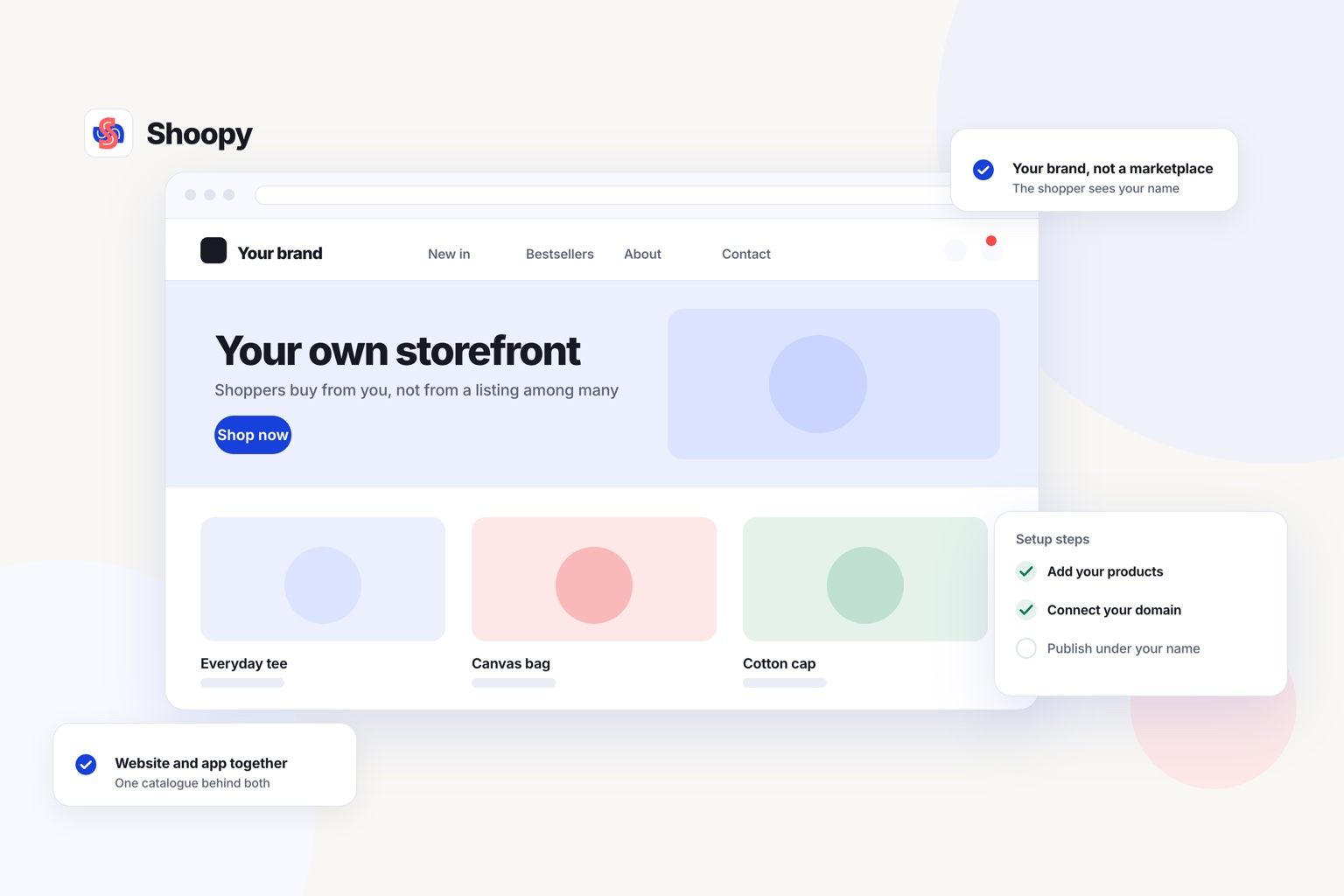
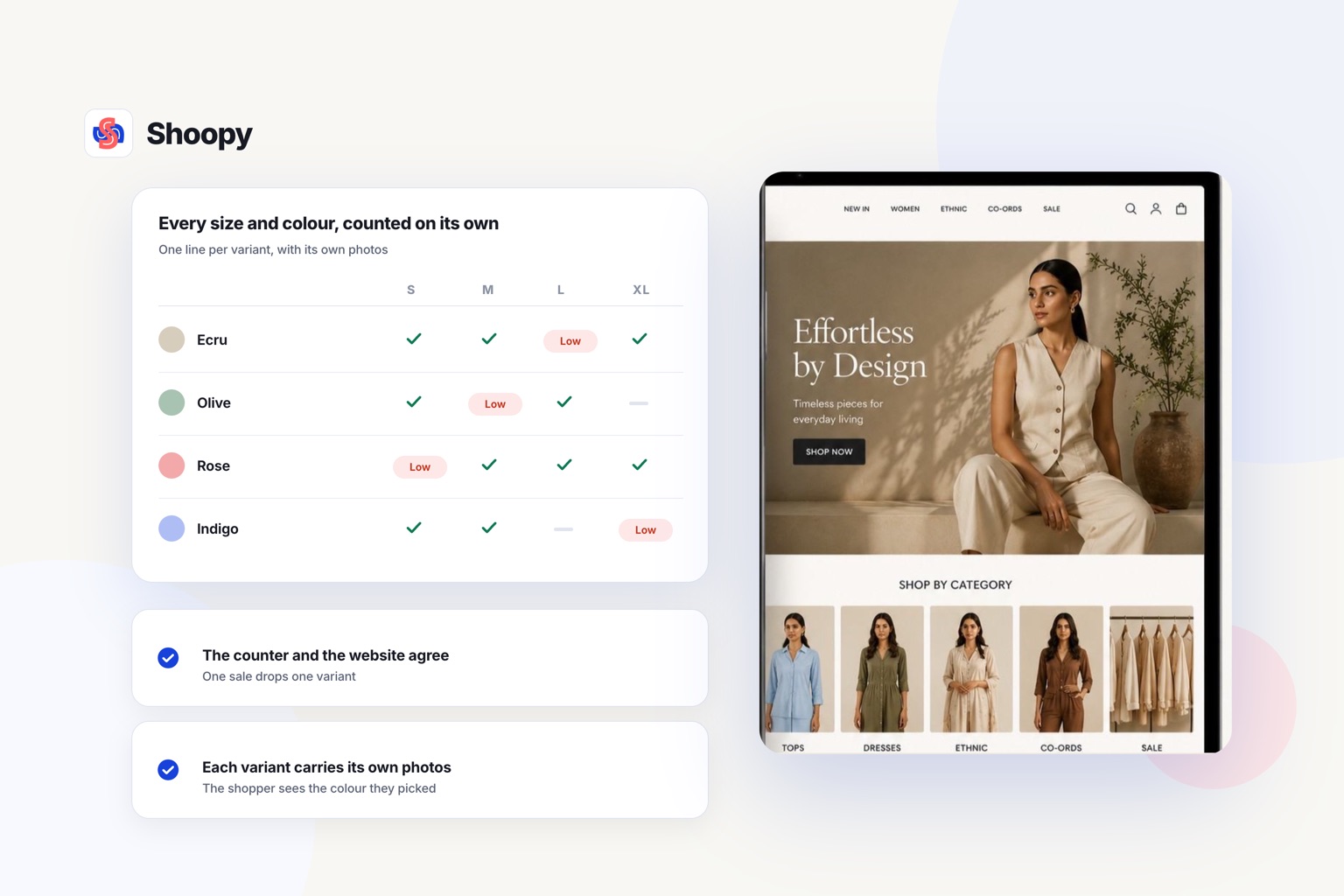
- You sell at a counter and online, from one catalogue. Shoopy puts counter billing and the online store on one catalogue. Its row in the table lists the payment options at checkout.
If you are still choosing between platforms, this guide on how to choose a commerce platform sets out the questions to ask first.
If the payment options in the last table row suit how you sell, set up your online store and place both test orders before you share it.
Frequently asked questions
Can you run a store with cash on delivery and no payment gateway?
Yes, if your store lets you switch COD on by itself. You then take no online payments, so nothing settles into your bank until the courier remits. Most sellers run both, because a prepaid order is money collected before dispatch while a COD order is money you wait for and sometimes never get.
Should you charge a fee on cash on delivery orders?
It is a choice, not a rule. A small charge on COD nudges buyers towards paying online and covers part of what a refused parcel costs you. Show it at checkout as its own line before the buyer confirms, so the amount on the label matches what the rider asks for.
How long should you wait for cash on delivery money from the courier?
Ask the courier for its remittance cycle in writing before you ship, and hold it against your own records. COD money reaches you only after the courier collects and remits a batch, so it always lands later than an online payment. Reconcile each remittance against the orders it covers, or short payments go unnoticed.
What does a payment gateway check before your account goes live?
It runs KYC (know your customer) checks on you and your business, and it records the bank account it will pay into. You complete these steps on the gateway’s own site. Keep your bank details and business documents ready, because the account cannot take payments until the gateway approves it.
What does RTO mean for a COD order?
RTO means return to origin. The courier brings the parcel back to you because the buyer refused it or it could not be delivered. On a COD order no money was collected, and the parcel has made 2 trips. Your courier agreement sets what the return trip costs, so read that clause before you offer COD.