 Shoopy
 Best ecommerce platforms in India to create an online store (2026)
Four ecommerce platforms in India for creating an online store, what each one's page says about plans and fees, and what to check in an online store platform.
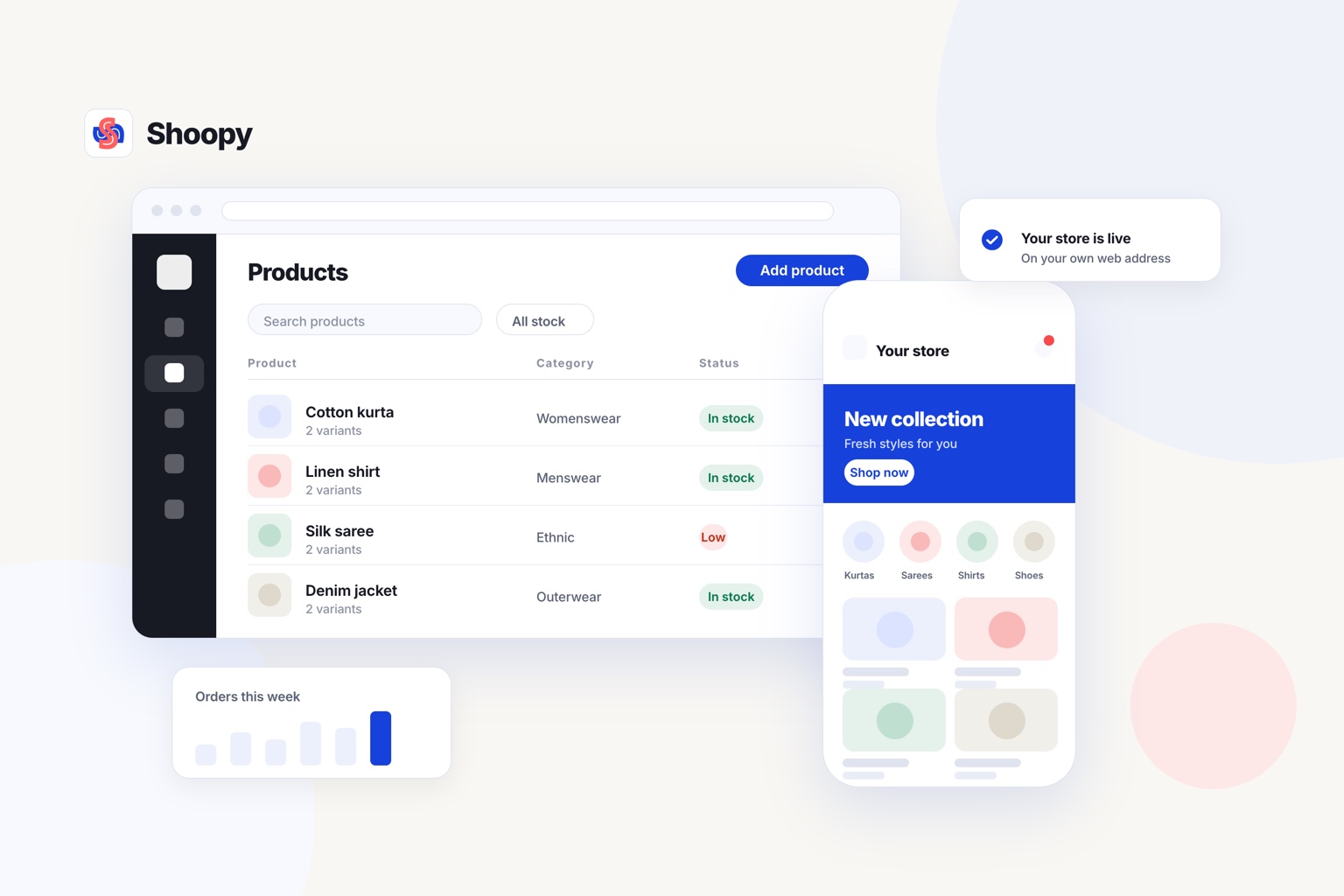
Quick Answer: Shopify, WooCommerce, Instamojo and Shoopy are four ecommerce platforms in India you can use to create an online store in 2026. Pick one by how you sell, how much setup work you can manage and how its plan charges per order. Shoopy suits shops that bill at a counter and sell online.
An online store platform is software that gives you a storefront, a checkout and an order list on your own web address. This guide compares four of them, quotes each platform’s own page and sorts them by the kind of seller, not by rank.
How do Shopify, WooCommerce, Instamojo and Shoopy compare for a new online store?
You can create an online store in India on any of the four platforms in this table. Each row quotes the platform’s own page, so read the middle column before any feature list.
What each platform’s own page says
| Platform | What its own page says | Ask before you choose |
|---|---|---|
| Shopify | As of October 2026, Shopify’s India pricing page describes Basic as “for solo entrepreneurs” and Advanced as “for global reach”. It lists a fee of 2% on Basic, 1% on Grow and 0.6% on Advanced for orders paid through 3rd-party payment providers | Which payment provider will you use? |
| WooCommerce | As of October 2026, WooCommerce’s pricing page lists the core platform as free, with no monthly subscription. You choose and pay for your own hosting, payment processor and extensions | Who will set up the hosting and keep the extensions updated? |
| Instamojo | As of October 2026, Instamojo’s online store page lists a Lite plan with no yearly cost. Lite and Starter charge 5% plus a fixed amount plus GST on each transaction, and Growth charges 2% plus a fixed amount plus GST. Custom domain linking starts on Starter | What does each plan add as your orders grow? |
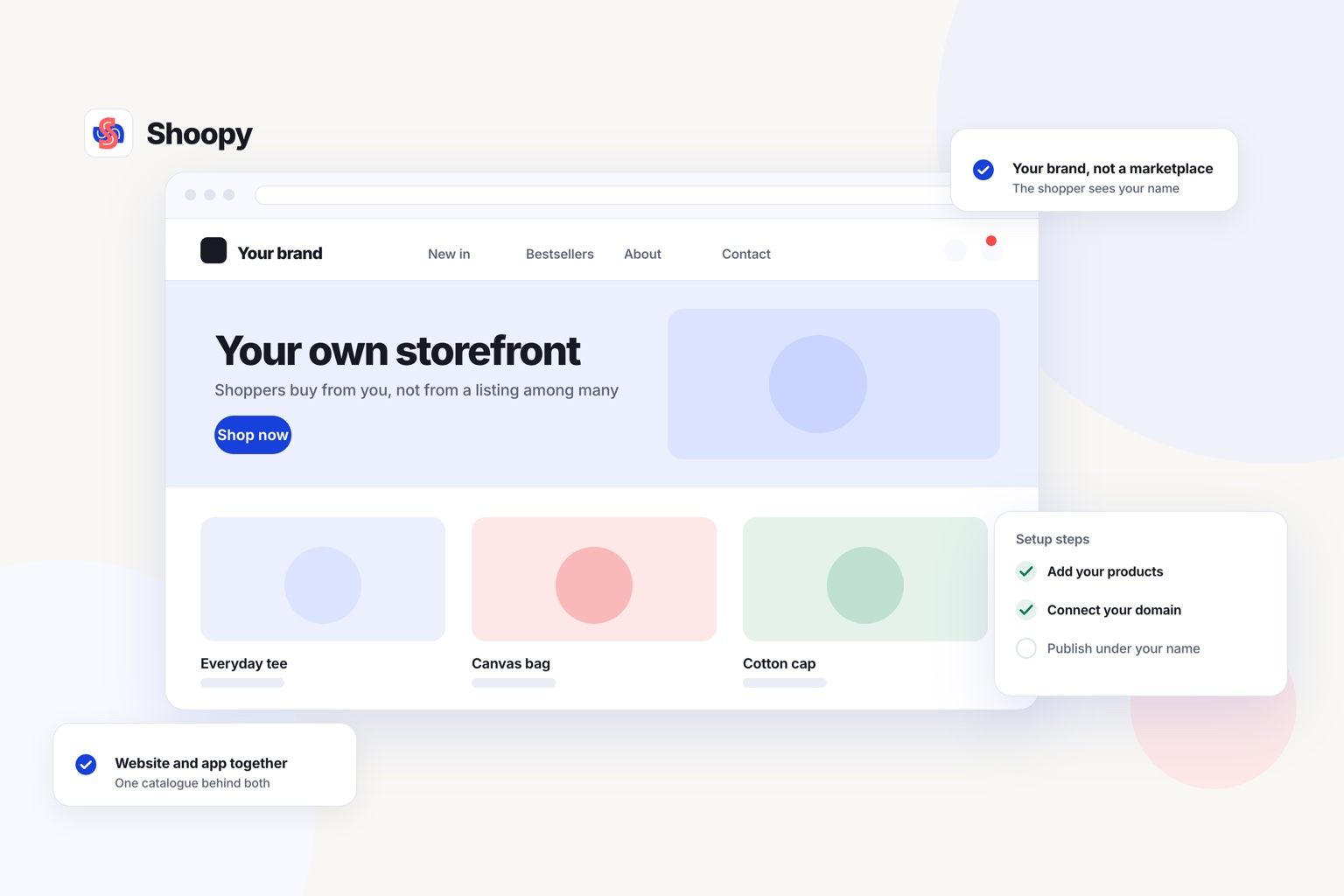
| Shoopy | An online store on your own domain that reads the same catalogue as your counter billing. UPI, cash on delivery and advance payment on COD are available. Plans and current prices are on the pricing page | Do you also bill at a counter? |
Is an ecommerce website builder in India different from an online store builder?
Usually not. An ecommerce website builder in India, an online store builder in India and an ecommerce platform are the same kind of product: software that holds your catalogue, takes payments and runs the store on your own domain. What separates them is how much of the shop side each one handles, such as counter billing, stock counted per shop, and a delivery charge for each zone.
Two more names to check
Dukaan and Zoho Commerce are two more names you may meet in comparisons. Read the fee line on each one’s own pricing page. Then ask the same questions as the right-hand column.
Plans and fees change, so open each linked page again on the day you decide.
How do these platforms take payments and charge fees in India?
In India, an online store takes payments through a payment gateway, the company that moves the buyer’s money to your bank. Razorpay and PayU are two such gateways. The platform connects your store to the gateway at checkout.
Which payment modes should your checkout offer?
Offer the modes your own buyers already use with you. Ask a few regular buyers how they pay at the counter today. Then check that the checkout supports those modes before you open.
UPI (Unified Payments Interface) is the bank-to-bank payment a buyer makes from a phone app. Cash on delivery (COD) means the buyer pays when the parcel arrives.
A COD order costs you a delivery trip even when the buyer refuses the parcel. Taking part of a COD order in advance lowers that loss.
What charges can sit on one order?
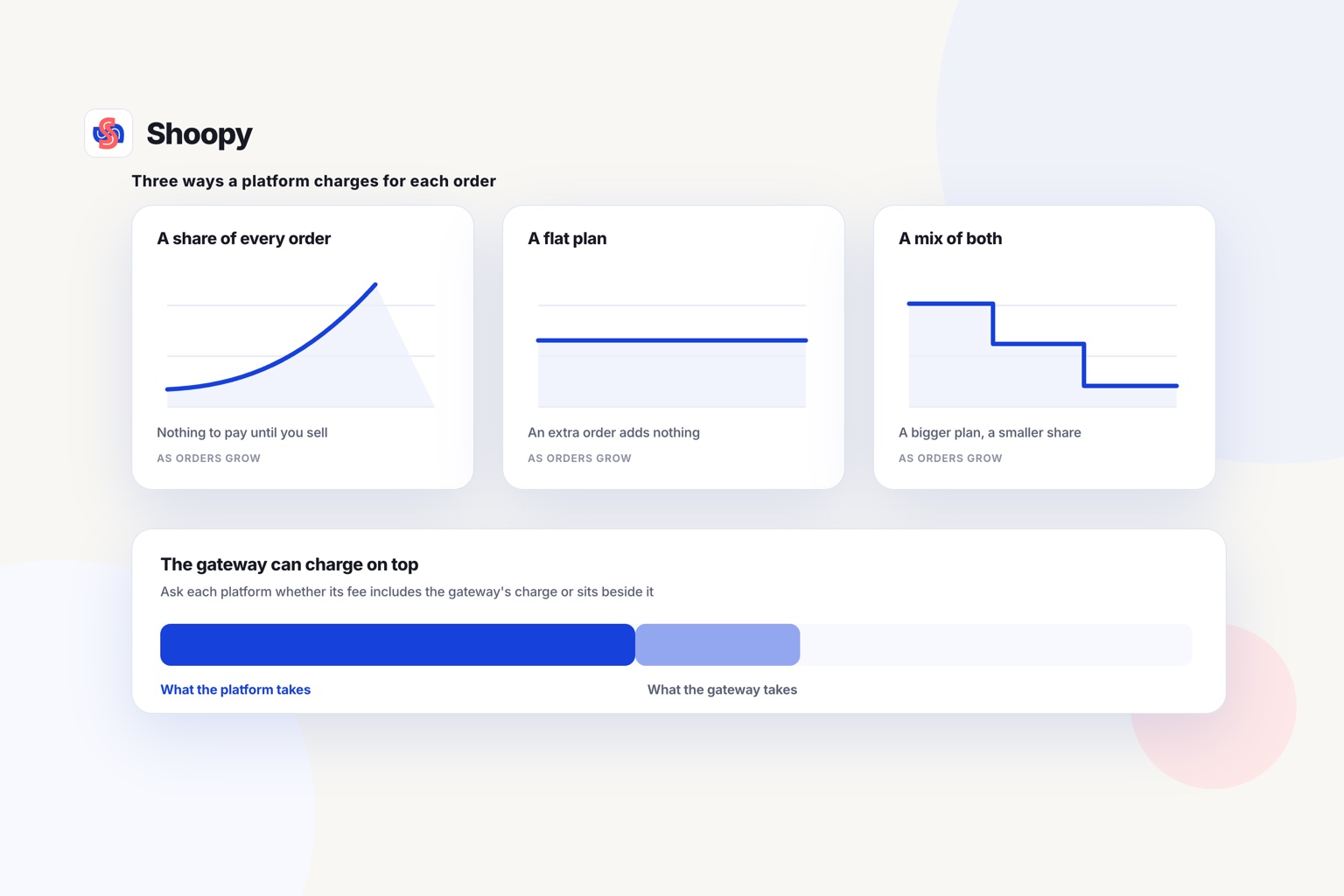
One order can carry two charges: the platform’s own fee, if its plan has one, and the gateway’s fee. Ask each platform whether its fee includes the gateway’s charge or comes on top of it. Where a platform’s page lists a fee, the middle column quotes it, so compare those fees at your real order count.
What should you check before you pick an online store platform?
Check five things before you pick: your counter, your domain and customer list, secure pages, the setup work and what changes when your business gets bigger.
Does your counter share the online stock count?
If you also sell from a shop, a separate billing app gives you two stock counts. Sell one kurta at the counter, and the online count should fall by one at the same time. Counter billing that reads the same catalogue as the online store keeps the two counts matched.
Your domain and customer list
Register your domain in your own name, not in the platform’s name. Make sure you can download your customer list and your order history at any time. Before you join, ask what you can take with you if you leave.
Secure pages that work on a phone
As of October 2026, Google’s page experience guide asks whether your pages are served in a secure fashion and display well on mobile devices. A secure page uses HTTPS, so its web address starts with the letters https. Open your test store on a phone before you share the address with buyers.
The setup work you can manage
Some platforms run the hosting, security and updates for you. On self-run software, you or your developer do those jobs. Count the hours each week you can give to the store, and pick the platform that fits those hours.
When your business gets bigger
On any online store platform, read the plan two levels above the one you need today. Check the limits on products, team members and extra shops before you reach them. A second shop is easier to add on a platform that already counts stock per shop.
What goes wrong when you open a new online store, and how do you stop it?
Plan for four problems: stock that does not match, late payments, delivery charges that lose money, and buyers who never hear about the store.
Stock that does not match. You sell the last unit at the counter, and the website still shows it as available. Keep one catalogue for both, or count stock at the end of each day until you can.
Payments that start late. Your gateway asks for business documents before it pays money into your bank. Start that paperwork before you add your products.
Delivery charges that lose money. One flat delivery charge can cost you more than the order earns on a long trip. Set your charges by area before you take orders from far away.
Buyers who never hear about it. Your regular buyers do not know the store exists until you tell them. Print the web address on your bills and your shop board, and send it to your WhatsApp contacts.
Which platform suits which kind of seller?
Pick the row in the table that matches how you sell today and how you plan to sell next year. The list below is sorted by the kind of seller, not by rank.
- You plan to sell to buyers in other countries. Read the plan descriptions in Shopify’s row before you compare fees.
- You have a developer and want to choose your own hosting and extensions. Start from WooCommerce’s row, then add the cost of hosting and your developer’s time.
- You are testing an idea with a few orders a month. Compare the per-transaction fee in Instamojo’s row with the other rows at your real order count.
- You run a shop and also sell online. Look for counter billing and online orders on one catalogue, as in the last row.
One limit is worth stating plainly. Shoopy’s WooCommerce comparison page says the platform does not give full code access to its store templates. If your store needs custom code in every template, a self-run platform with your own developer fits better.
For the questions to ask in order, read this guide on how to choose a commerce platform. It covers ownership, the counter, apps, billing models and what happens when you outgrow a platform.
If you bill at a counter and want the same catalogue online, see how the Shoopy online store runs on your own domain.
Frequently asked questions
Do I need a developer to build an online store?
No, not on a hosted platform. A hosted platform, sold as SaaS (software as a service), runs the servers, the HTTPS certificate and the updates, and you add products from a dashboard. Self-hosted software is different, because you rent the hosting and install the updates yourself, so a developer helps there.
Should my online store use a .in or a .com domain?
Use .in if you sell mainly to buyers in India, because it is India’s country-code domain, managed by the National Internet Exchange of India (NIXI). Use .com if you plan to sell abroad. You can also buy both and point one to the other, so buyers who type either name reach the same store.
Can I sell on a marketplace and on my own online store at the same time?
Yes, as long as one stock count feeds both. Give each product one SKU (stock keeping unit), a code that stays the same on every channel. Update the stock after every sale on either channel, or the marketplace and your own store can sell the same last unit twice.
What pages should an online store have before it opens?
Start with a home page, product pages, a cart and a checkout. Then add 4 short policy pages: returns and refunds, shipping, privacy and terms. Add a contact page with a phone number and an address, and an FAQ page for the questions buyers ask before they pay.
How do I get my new online store found on Google?
Add the store to Google Search Console and submit its sitemap, the file that lists every page you want found. Google treats a submitted sitemap as a hint, not a promise to show your pages. Write a clear title and description for every product, because those words are often what buyers see in results.