 Shoopy
 Delivering cost-effective shipping with Delhivery
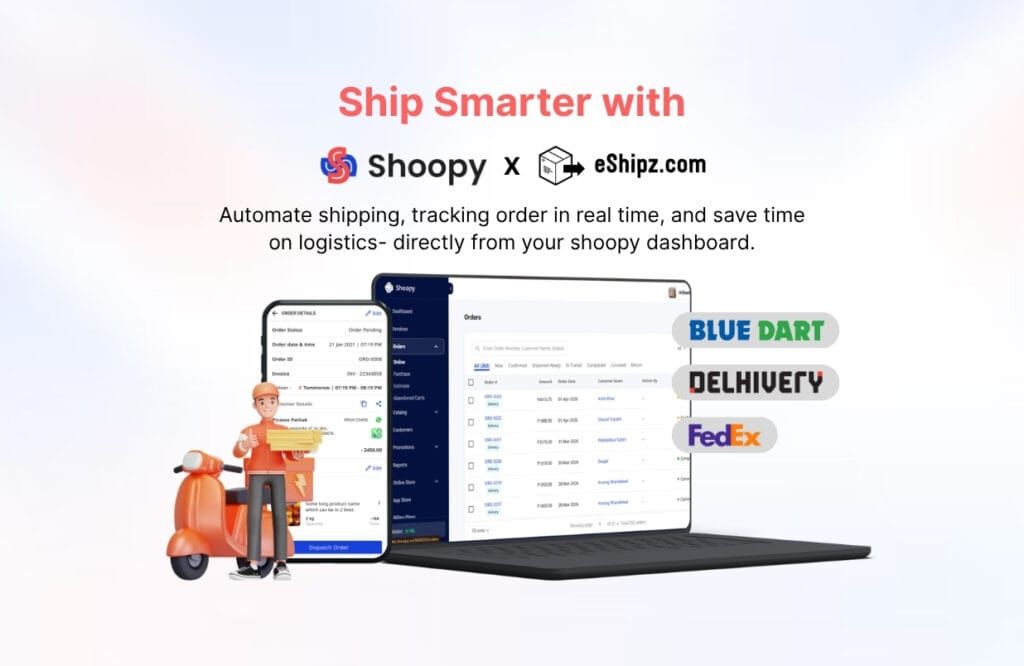
The Delhivery plugin connects your Shoopy store to one of India's largest logistics networks — direct rates, synced orders and live tracking.

Shipping is usually the first cost that scales faster than revenue. The Delhivery integration attacks it directly: your store talks to the courier’s own API, so the rates are Delhivery’s, the tracking is live, and nobody re-types an address.
Setup, in three steps
- Configure the plugin. Install Delhivery from the Shoopy app store, follow the configuration guide, save.
- Manifest orders. Delhivery now appears in the shipment options when you process an order.
- Create the pickup. Synced orders appear in your Delhivery client panel under Forward Orders → Ready to Ship — schedule the pickup there.
What it changes
Lower cost per order. The direct API connection means no intermediary margin on top of the courier rate — and volume gives you standing to negotiate your own.
Reach. Delhivery’s network covers, by its own count, more than 18,600 pincodes across India — which for most stores means the answer to “do you deliver there?” is yes.
Tracking without the phone calls. With webhooks configured, every status change flows back into the Shoopy order — placement to doorstep, RTO included — so you and the customer watch the same journey without leaving the dashboard.
Courier integrations exist so that shipping is a setting, not a department. Delhivery joins the couriers already built in, and the plugin takes an afternoon to set up.