Shoopy
Platform
Solutions
Resources
50,000+ businesses run on Shoopy

Google Merchant Center for ecommerce, linked to your store

Google Merchant Center for ecommerce starts from accurate product data. Shoopy's app store lists a Google Merchant Center app that sends your product data to Google, and you install it from your dashboard with no code to paste. Behind it sit one catalogue for your store, app and counter, built-in SEO tools, product videos, Google Ads tracking from the Professional plan, and a 14-day trial that needs no card.

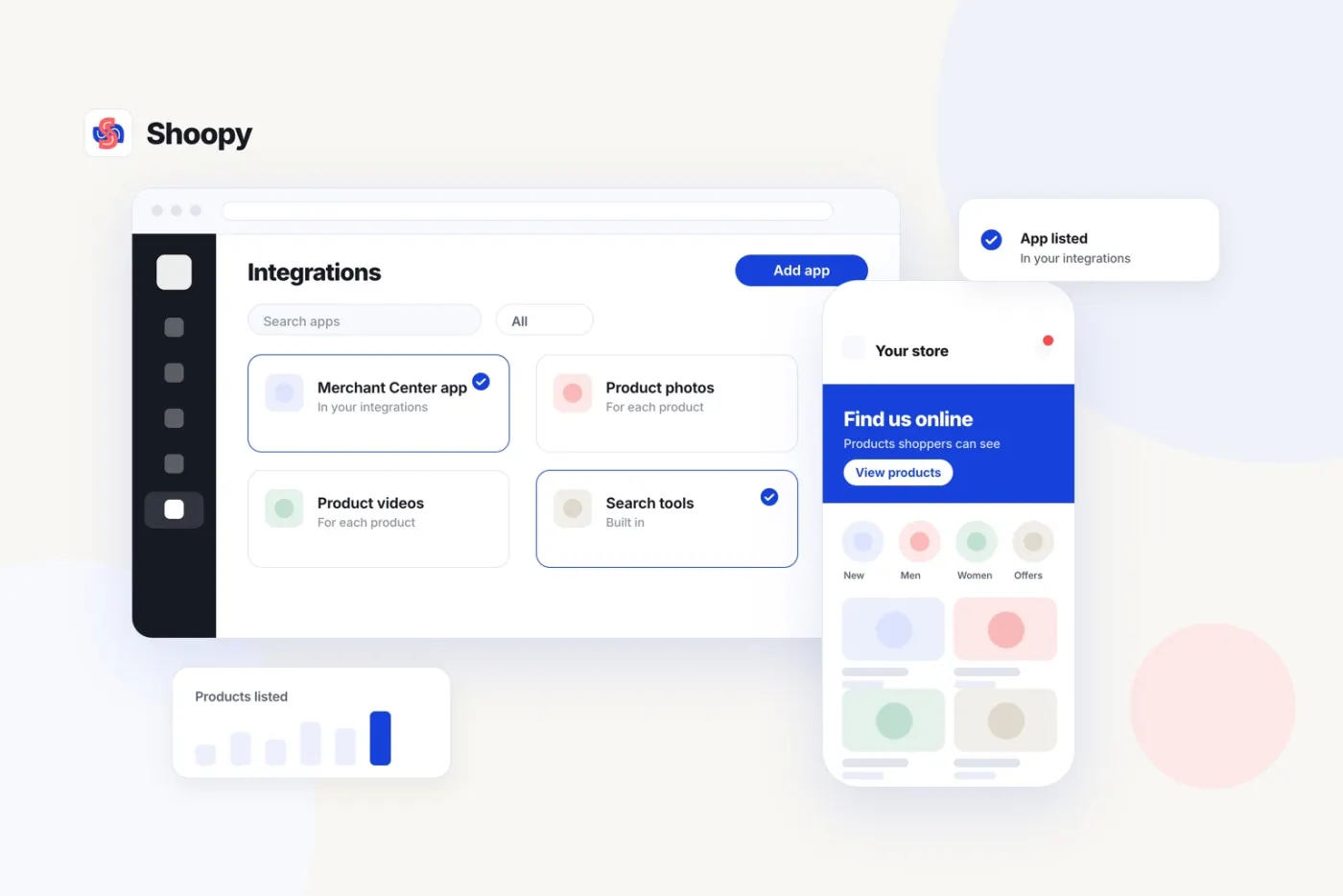
Illustration: google Merchant Center for ecommerce, added from the Shoopy integrations list
What you get

What you get when you connect Merchant Center on Shoopy

Install the Merchant Center app

Open the Shoopy app store in your dashboard, pick the Google Merchant Center app and press Install. It sends your product data to Google so your products can appear in Google results, with no code pasted into your store.

See the app store
One catalogue behind every channel

Your products, prices and stock live in one catalogue that your store, app and counter all read, so the product data you send to Google starts from a single source.

See the integrations
Built-in SEO tools

Built-in SEO tools come with every plan. Sitemaps, structured data and editable titles and descriptions are set up for each page and product without touching code. That is groundwork; rankings depend on your products and content.

See SEO tools
Product videos on every plan

Product videos are included on every plan, so a product page can show more than a still photo. They sit on the product page beside the details, and each product can carry its own.

See product pages
Google Ads and Analytics, with tracking

Google Ads, Google Analytics and Tag Manager install from the Shoopy app store, with no code pasted into templates. Professional adds Meta and Google ads tracking at ₹5,499 a year excluding GST, as of October 2026.

See ads and analytics
Stock that stays accurate

Counts move with every sale, at the counter and online, and each size or colour keeps its own count. Low-stock alerts warn you before a shelf runs empty, and accurate stock matters whenever a product is shown to shoppers.

See stock counts
How it works

From catalogue to Google listings in five steps

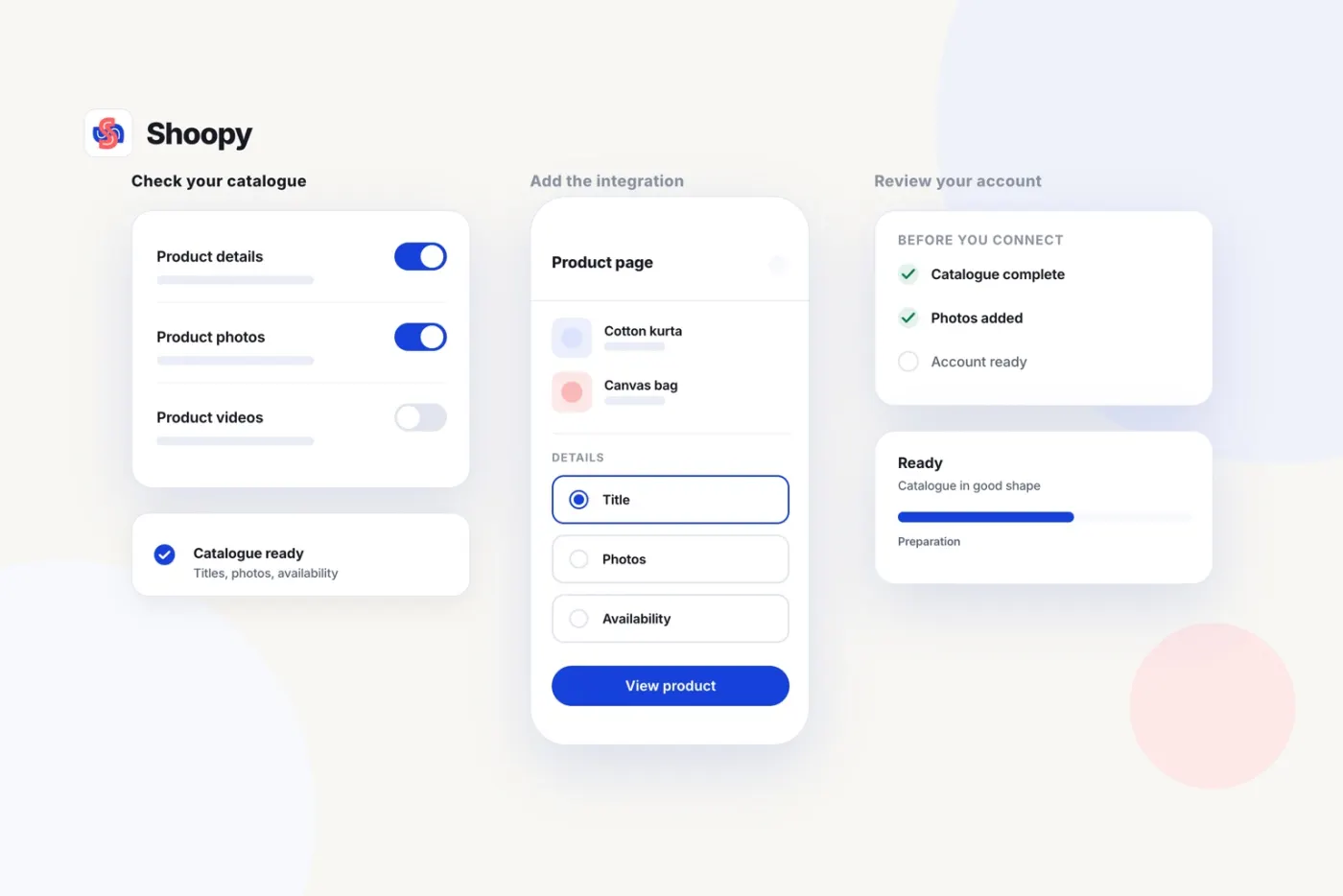
Illustration: google Merchant Center setup: check the catalogue, add the integration, review the account
  1. Get your product data ready

    Open your catalogue and look at each product the way a shopper would: name, price, photos and stock. Fix gaps first, because Google can show just what your product data says, and one clean catalogue then serves every channel you sell on.

  2. Create your Merchant Center account

    Create your Merchant Center account with Google and read its requirements for your products. Google decides what it accepts. The Shoopy app sends Google the product data in your catalogue, so meet those requirements in the catalogue itself before you install it and send anything.

  3. Install the app from your dashboard

    Open the Shoopy app store, pick the Google Merchant Center app and press Install. It sends your product data to Google, with no code to paste. Availability varies by plan, and the app store shows the plan each app comes with.

  4. Review what Google shows

    Look at how your products appear in Merchant Center and compare them with your product pages. If anything differs, such as a price or an image, correct it in the catalogue, then check Merchant Center again, product by product, before you start any ads.

  5. Add ads tracking when you advertise

    Install Google Ads, Analytics and Tag Manager from the app store if you plan to advertise. Professional includes Meta and Google ads with tracking, so ads and orders can be read together. Set it all up within the 14-day trial.

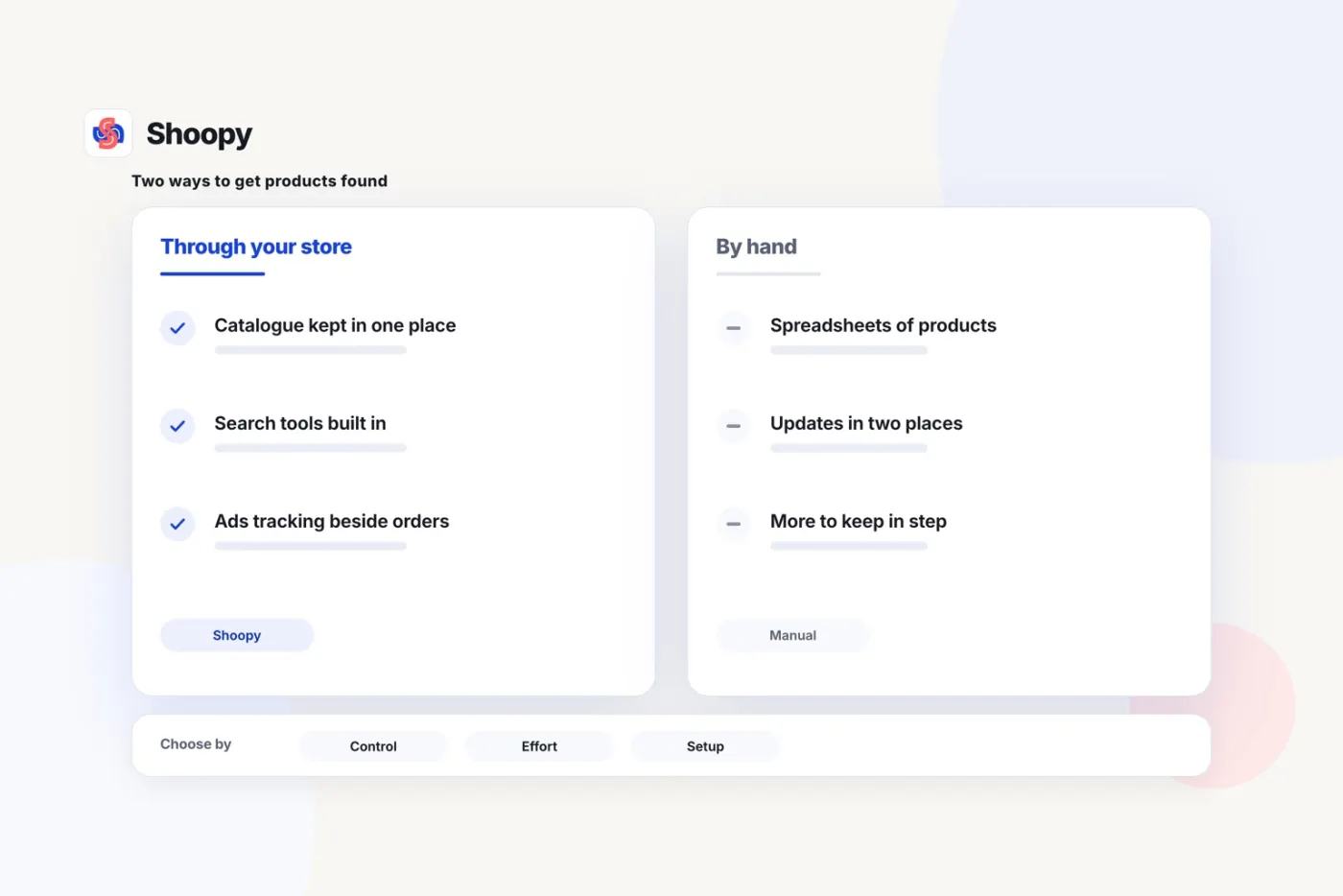
Illustration: products for Google Merchant Center kept in your store compared with spreadsheets
Honest fit

Merchant Center with Shoopy or a separate feed tool?

Google Merchant Center is Google's own tool, and approval, listings and rankings are Google's decisions, which Shoopy does not guarantee. Shoopy's part is the catalogue: one source of product data, SEO tools, product videos and, from the Professional plan, Google Ads tracking. A separate feed tool may offer more rules for rewriting product data before it reaches Google, and Shoopy makes no claim to match one. Pick by whether a clean catalogue in your store is enough, or you need a tool of its own for the feed and its rules.

Why Shoopy

Why start from the Shoopy catalogue?

One source of product data

Products, prices and stock are kept once and read by the store, the app and the counter, so the data you prepare for Google is the data you sell from.

Prices you can read first

SEO tools and product videos come with every plan, from ₹2,499 a year for Basic; ads tracking arrives with Professional. Prices exclude 18% GST, as of October 2026.

SEO groundwork built in

Sitemaps, structured data and editable titles and descriptions are included on every plan, so search engines can read your pages without any code changes on your side.

Set it up on your own catalogue

Connect your own catalogue during the 14-day trial; no card is needed. A 7-day money-back guarantee applies once you pay, and your domain stays yours.

About Shoopy

An India-first commerce platform for growing retail and D2C brands.

Shoopy is an India-first commerce platform from Clevup Technologies Pvt. Ltd., founded in 2020. It connects online stores, branded apps, counter billing, stock, orders and payments in one system, so the product data you send to Google comes from the same catalogue as the store. 50,000+ businesses run on Shoopy. The Basic plan costs ₹2,499 a year excluding 18% GST, as of October 2026, with Meta and Google ads tracking from the Professional plan. Each plan is billed yearly after a 14-day trial with no card needed. Support is in English and Hindi, and the Enterprise plan covers custom features for brands whose needs go further. Orders from every channel arrive in one queue, and your customer list stays in your own dashboard.

50,000+businesses run on Shoopy
₹2,499a year excluding GST, Basic plan
14-dayfree trial, no card
FAQ

Frequently asked questions

How do I connect Google Merchant Center to my Shoopy store?

Open the app store in your Shoopy dashboard, pick the Google Merchant Center app and press Install. Its settings live on the same screen, with no code to paste, and it sends your product data to Google. Availability varies by plan, and the app store shows the plan each app comes with.

Who handles Google Merchant Center setup?

You create the Merchant Center account with Google, and the Google Merchant Center app installs from your Shoopy dashboard and sends your product data to Google. Approval, listings and rankings are Google's decisions, and Shoopy does not guarantee them.

What should my product pages carry before I connect?

A clear name, a description, photos, a price and a stock count for every product, with each size or colour as its own variant. Accurate data helps, but Google's own rules decide approval, so check Merchant Center's product status after connecting.

Which Shoopy plan gives me Google Ads tracking?

Meta and Google ads with tracking come with the Professional plan and above, so the ad account and the order list tell the same story. Google Ads, Analytics and Tag Manager install from the Shoopy app store. The pricing page shows the full plan table.

Will Shoopy guarantee my products are approved by Google?

No. Approval, listings and rankings are Google's decisions, and no platform can promise them. Shoopy gives you one accurate catalogue, built-in SEO tools and, from Professional, Google Ads tracking, so your data is ready for Google to review.

Do the built-in SEO tools help?

They are groundwork. Sitemaps, structured data and editable titles and descriptions are set up for every page and product without code, on every plan. How your pages rank then depends on your products and content.

Does stock stay accurate when I sell in several places?

Counts move with every sale, at the counter and online, and each size or colour keeps its own count. Low-stock alerts warn you before a shelf empties, so your catalogue shows what you can supply. Check Merchant Center's product status after a big stock change.

Can I set up the store before I pay?

Connect your own catalogue during the 14-day trial, with no card needed, and check how it looks. A 7-day money-back guarantee applies once you pay. Your domain stays yours, so any link that points to your store keeps working.

Talk to Shoopy about your store

Tell us what you sell and where you advertise today. A 30-minute call walks through your catalogue and how it connects to Google tools, and answers your questions on plans. Book a demo, or start the trial.