
Say Goodbye to Default Payments! Customize Product-Level COD/Prepaid
- Dec 15, 2025
- 1 min read
In today’s e-commerce world, customers love flexible payment options. And sellers love reduced losses.
That’s why Shoopy brings Advanced Product-Level Payment Controls — choose Prepaid or COD for individual products based on risk, price & fulfillment needs.
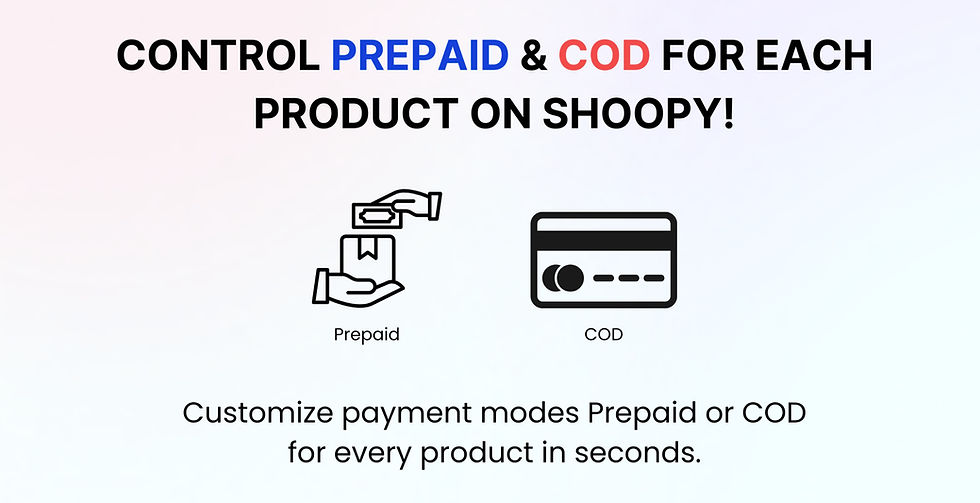
Why Choose Prepaid & COD Payment Mode Per Product?
Benefit | How it helps you |
💸 Reduce COD Returns | Block COD for costly or fragile items to avoid RTO losses |
🔐 Control High-Risk Products | Make custom or perishable items prepaid-only |
🚀 Boost Trusted Prepaid Orders | Give prepaid discount or fast delivery perks! |
💰 Improve Cash Flow | Get instant money without waiting for cash pickups |
💡 Smart Trick: Let low-value products be COD, and keep expensive products prepaid-only.
How This Feature Works?
Enable or Disable COD per Product – Restrict COD for high-value, perishable, or custom-made products to avoid unnecessary returns.
Set Prepaid Only for Specific Products – Ensure that selected products are available only for prepaid purchase, reducing fraud and increasing efficiency.
Automate Payment-Based Discounts – Offer incentives for prepaid transactions to encourage customers to opt for online payments.
Seamless Integration with Order Management – Automatically adjust stock and order fulfillment processes based on payment type preferences.
How to Activate Product Payment Controls?
Login to Your Shoopy Seller Dashboard

Go to Catalog and Open the product and select the option Payment mode: Toggle Between Prepaid or COD or Default

Save Your Preferences and Update Your Store

Why This Matters for Your Store?
Lower fake orders
Smarter profitability
Customer-friendly flexibility
Lower RTO & logistics costs
Smooth inventory planning


